
Math can be a difficult subject to teach because so many of its concepts are abstract. Students have to understand numbers, formulas, shapes, patterns, and relationships that aren’t always easy to visualize on a page.
The right digital tools can help bring those ideas to life. Interactive graphs, virtual manipulatives, games, simulations, and instant feedback can give students more ways to explore mathematical concepts and practice what they’ve learned.
We’ve covered plenty of math-teaching tools at Tech & Learning, ranging from comprehensive learning platforms to focused resources designed for a particular part of the curriculum. These are eight of the best, with options for different ages, abilities, and teaching styles.
Best Tools To Teach Math
Best overall math teaching tool
GeoGebra
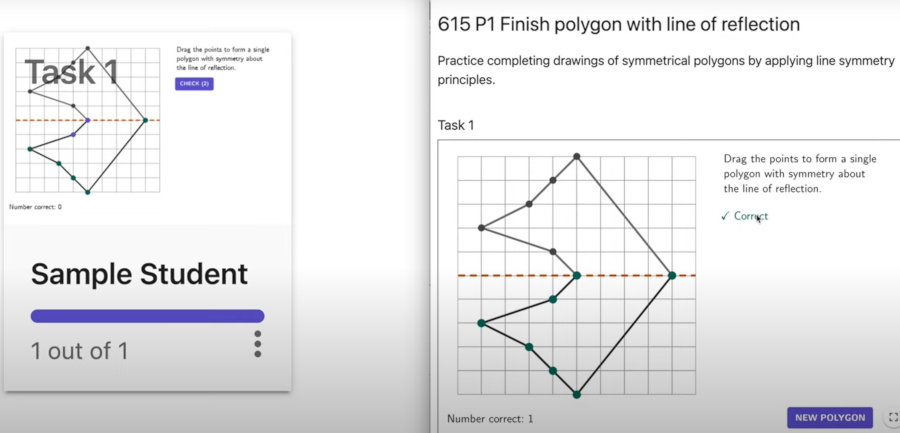
GeoGebra is a free collection of interactive mathematics tools covering areas including geometry, algebra, graphing, statistics, probability, and calculus. Its biggest strength is visualization. Teachers can put a mathematical concept on screen and let students manipulate it, making it easier to see what happens when a value, angle, point, or equation changes.
The platform includes six main calculators covering graphing, 3D, geometry, computer algebra, probability, and scientific calculations. Students can use these to create graphs, construct shapes, explore equations, and investigate mathematical relationships.
GeoGebra also has a huge library of ready-made resources. The platform hosts more than one million math learning resources, including lessons, exercises, digital books, and interactive activities. Teachers can search by subject or use GeoGebra’s Math Topic Map to find material covering areas from arithmetic through statistics. Activities can also be assigned to students, with teachers able to see their work and progress in real time.
A teacher can demonstrate a concept at the front of the room, students can explore it themselves, and the same platform can then be used for practice or formative assessment. And there’s a big advantage for schools: GeoGebra is free for teachers and students using it for academic study and teaching.
Best for gamified math practice
Buzzmath
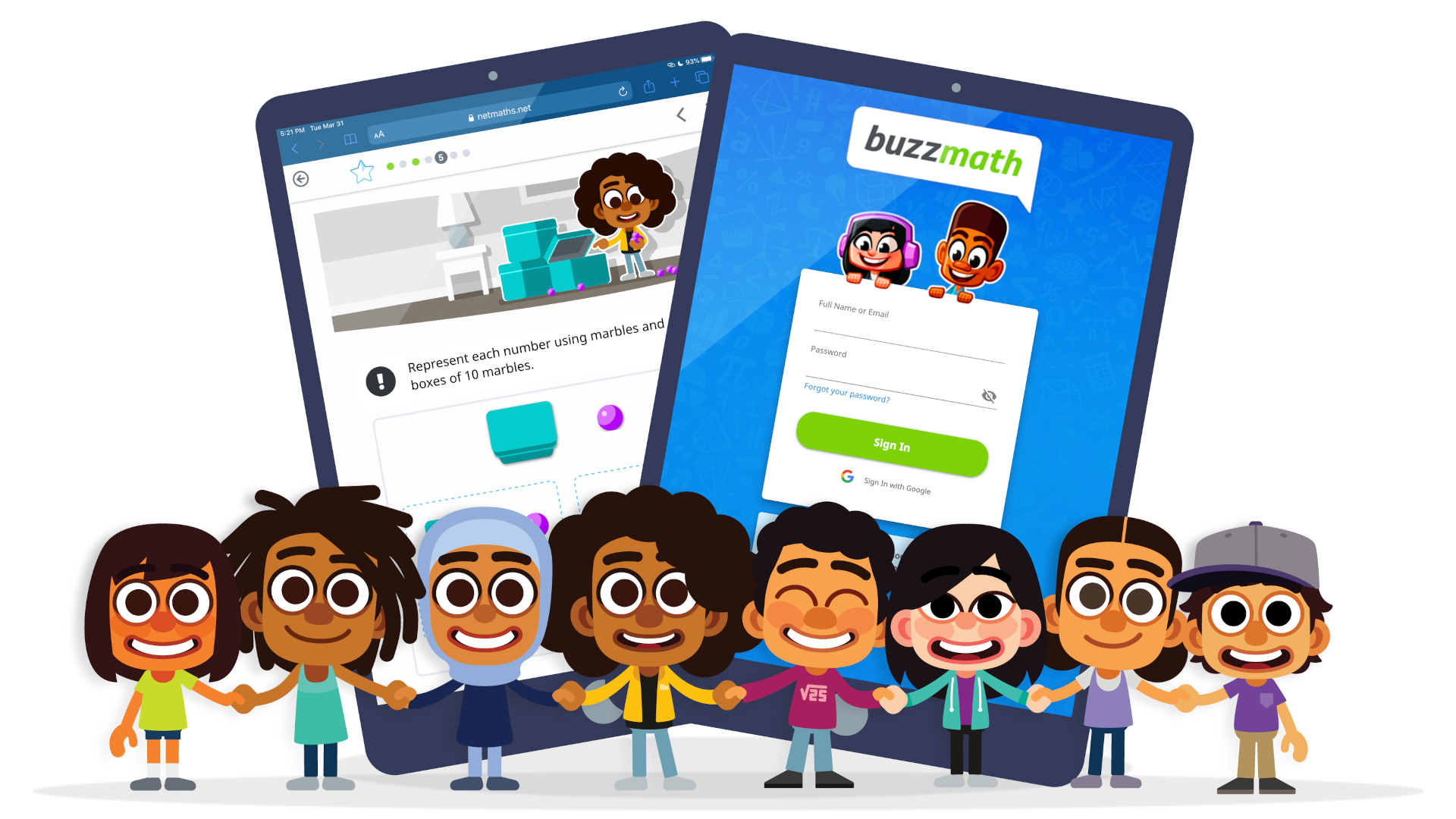
Buzzmath takes a game-based approach to math practice, giving students thousands of questions to work through inside a world of missions, challenges, and rewards. The platform is aimed at students ages 6 to 16 and contains more than 14,000 math questions. Teachers can assign activities to individual students or groups, with content designed to align with curriculum requirements.
Students receive immediate feedback as they work. When an answer is incorrect, the platform can provide guidance, hints, or examples before giving the student another chance. That gives students room to make mistakes and work through them without immediately needing help from the teacher.
Buzzmath also changes the numbers in its questions, so students can practice the same skill without simply memorizing an answer they’ve already seen. Teachers get reporting tools showing information such as accuracy, attempts, and time spent on tasks. This gives educators a way to identify areas in which individual students or the whole class may need more work.
Audio narration and visual glossaries are also included to support different learning needs. For teachers looking for something that can turn additional math practice into a game, Buzzmath is a strong option.
Best for elementary math
Prodigy
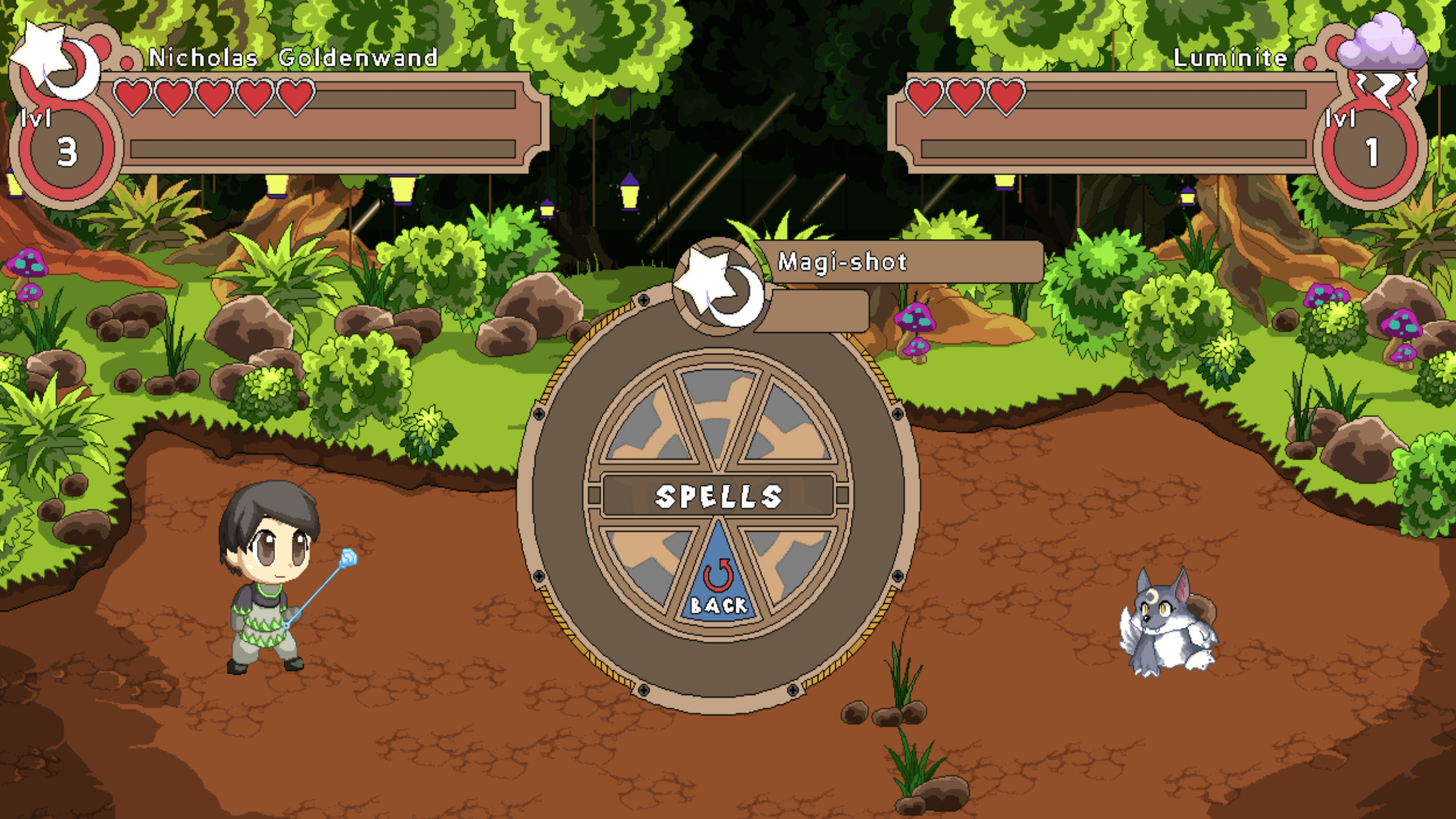
Prodigy turns math practice into a fantasy adventure, with students answering curriculum-aligned questions as they explore a game world and develop their own characters.
The game was originally built around math and now also includes English language arts. For this roundup, though, its math offering remains the main attraction. Teachers can assign specific skills, topics, and learning objectives through the teacher dashboard. Students then encounter questions connected to those skills as they play.
The system adapts to student performance, adjusting the level of challenge as they progress. Teachers can also monitor performance and use the resulting information to identify areas that need attention.
The game works in a browser and through mobile apps, so students can use it at school or at home. The core educational content, assignments, reporting, and classroom tools are available free to teachers and schools.
A multiplayer element is also available, allowing students to play together and compare their progress. That can add a social element to practice that might otherwise feel repetitive.
Prodigy’s main appeal is motivation. Students who aren’t enthusiastic about completing another set of math questions may be much more willing to tackle these when those questions help their character progress through a game.
Best for virtual manipulatives
Polypad
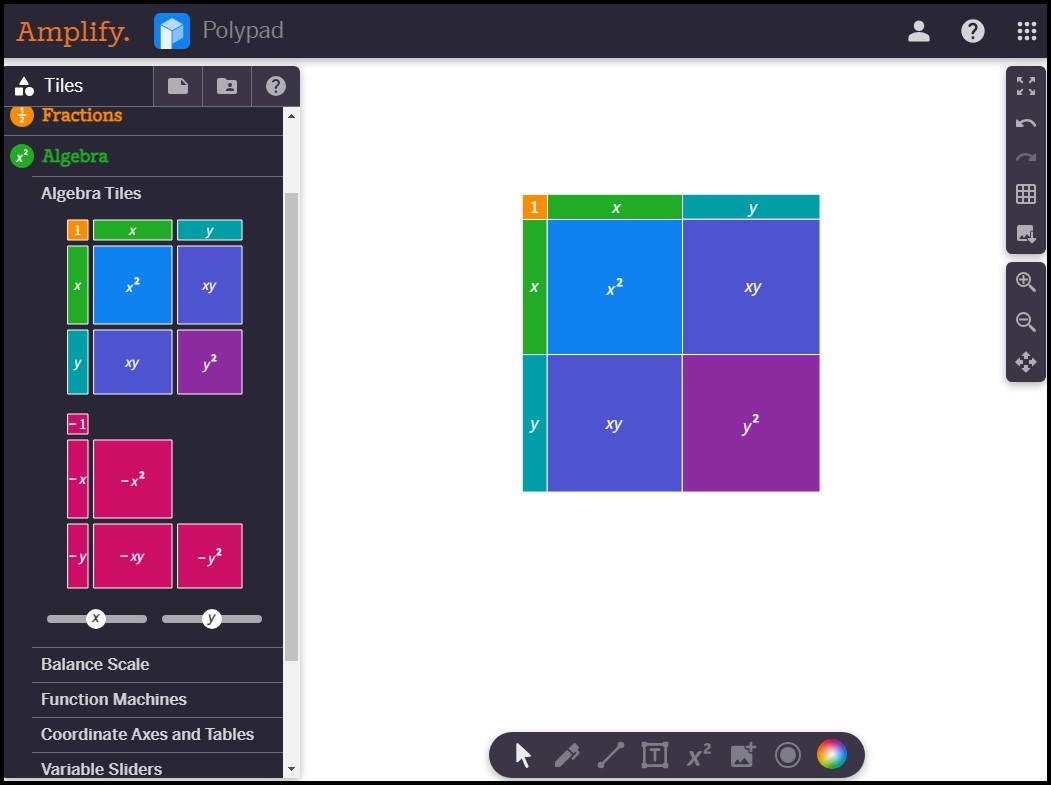
Polypad is a digital mathematics playground from Amplify that gives students a large collection of virtual manipulatives for exploring mathematical concepts.
The platform includes shapes, counters, tiles, graphs, number lines, probability tools, and other interactive objects. Students can move, combine, resize, and rearrange these elements to investigate mathematical ideas on screen. This is useful for concepts that benefit from a visual or hands-on approach.
Teachers can create their own activities and set up spaces in which students can experiment with a specific mathematical idea. The relatively open design also leaves room for students to find their own solutions and approaches.
Polypad covers areas including geometry, algebra, probability, and statistics, making it useful across a broad range of middle and high school math.
For teachers who want students to experiment with mathematical objects instead of simply writing answers, Polypad offers a flexible digital alternative to physical manipulatives.
Best for real-world math
What If Math
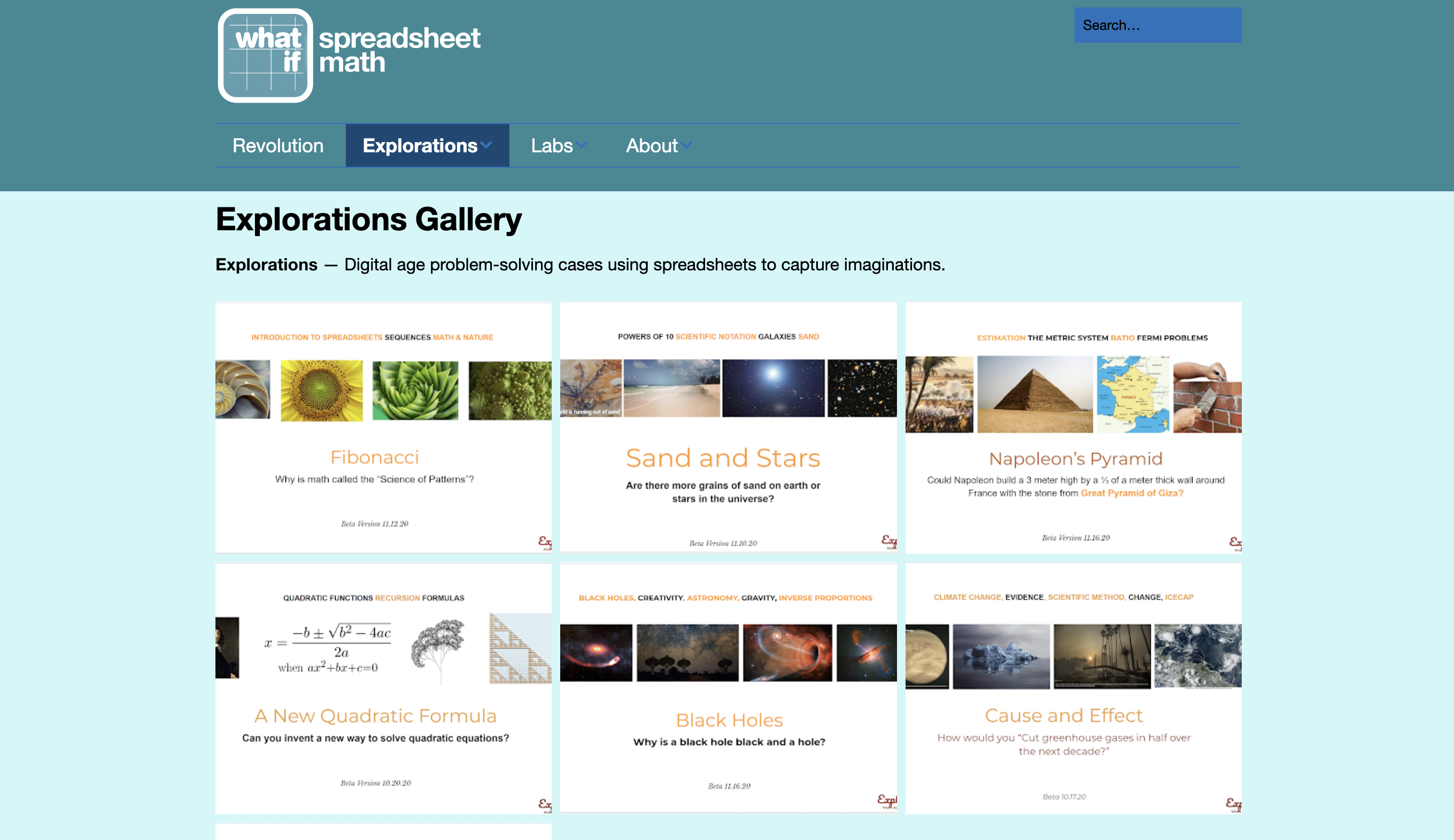
What If Math takes an unusual approach by putting spreadsheets at the center of math education. The idea is to teach students mathematical concepts through the kinds of digital tools they are likely to encounter outside school. Students use spreadsheets to explore formulas, graphs, data, patterns, and mathematical relationships.
The platform’s Labs are spreadsheet-based lessons built around individual questions and experiments. Students can change variables and see what happens, giving them a way to investigate mathematical ideas for themselves.
Explorations are larger projects designed around problems that students can tackle collaboratively. These can combine mathematics with areas such as data science, computer science, spreadsheets, and functional thinking. That gives What If Math a strong real-world angle. Students aren’t simply learning how to manipulate equations but they see how mathematical thinking can be applied using software that is already common in workplaces.
Teachers can also use free spreadsheet tools such as Google Sheets or Microsoft Excel alongside the approach, making it possible to extend the activities without requiring specialist software. For older students, especially those preparing for further education or employment, What If Math provides a different way to connect classroom mathematics with digital skills.
Best for creating digital equations
EquatIO
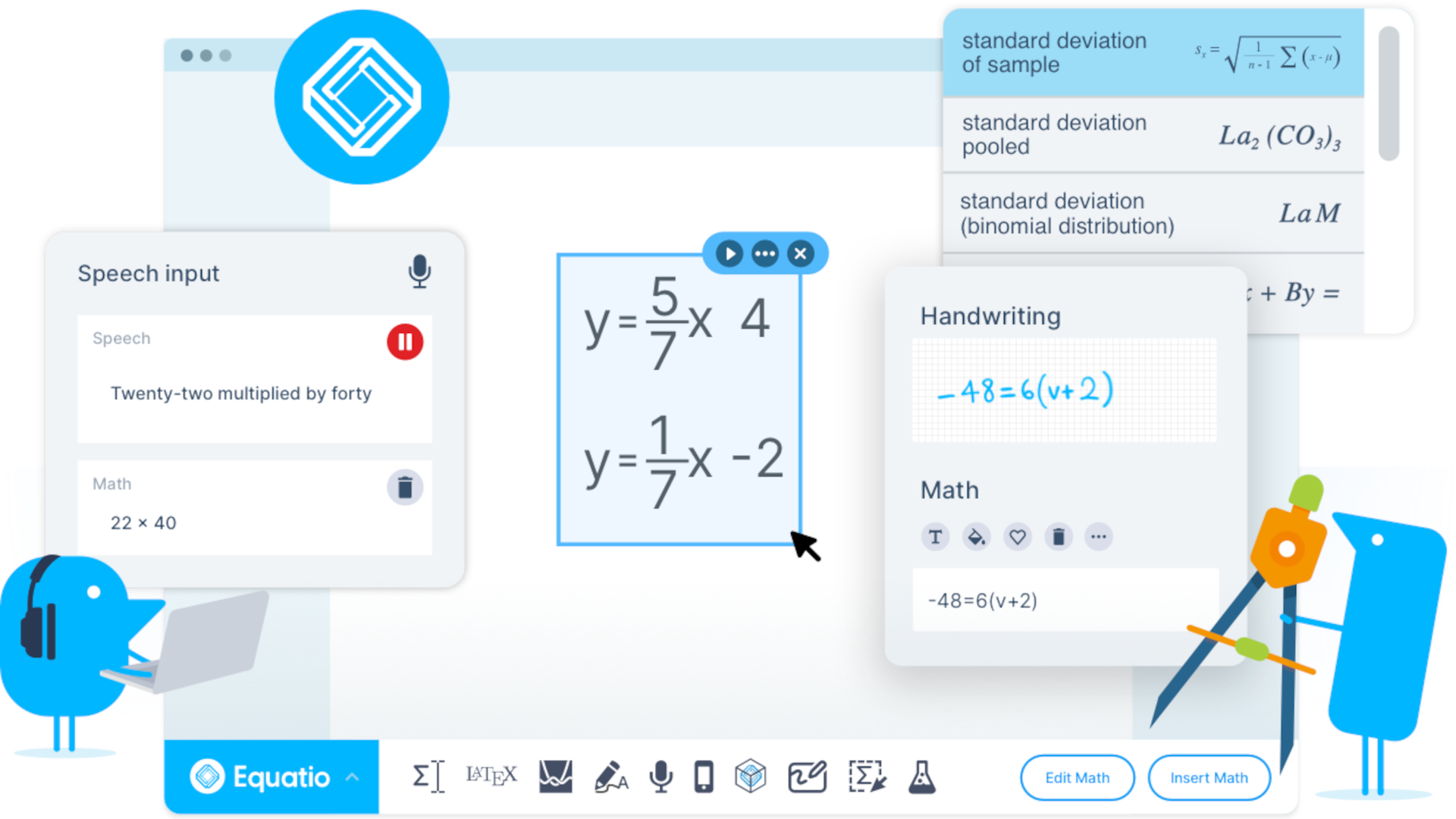
EquatIO solves one of the less glamorous problems with digital math, actually getting equations onto a screen. The tool allows teachers and students to enter mathematics by typing, handwriting, speaking, or importing from an image. It can then convert that input into editable digital notation. That makes it easier to create worksheets, assessments, explanations, and digital assignments containing proper mathematical notation.
EquatIO also includes a predictive math engine. Teachers and students can type naturally and use shortcuts such as “sqrt” to create mathematical symbols without having to navigate complicated formatting menus.
The Screenshot Reader can turn mathematical notation in worksheets, textbook pages, exam questions, or online images into editable content. In Mathspace, teachers can create interactive problems and students can draw, annotate, and show their work.
Graphing is supported through Desmos, while the platform also handles scientific notation, chemistry formulas, physics symbols, and other STEM content.
Accessibility is another important part of EquatIO. Students can enter equations using whichever method works best for them, including handwriting and speech. That can make digital math more accessible while also saving teachers time when creating and marking digital materials.
Best for elementary math practice
I Know It
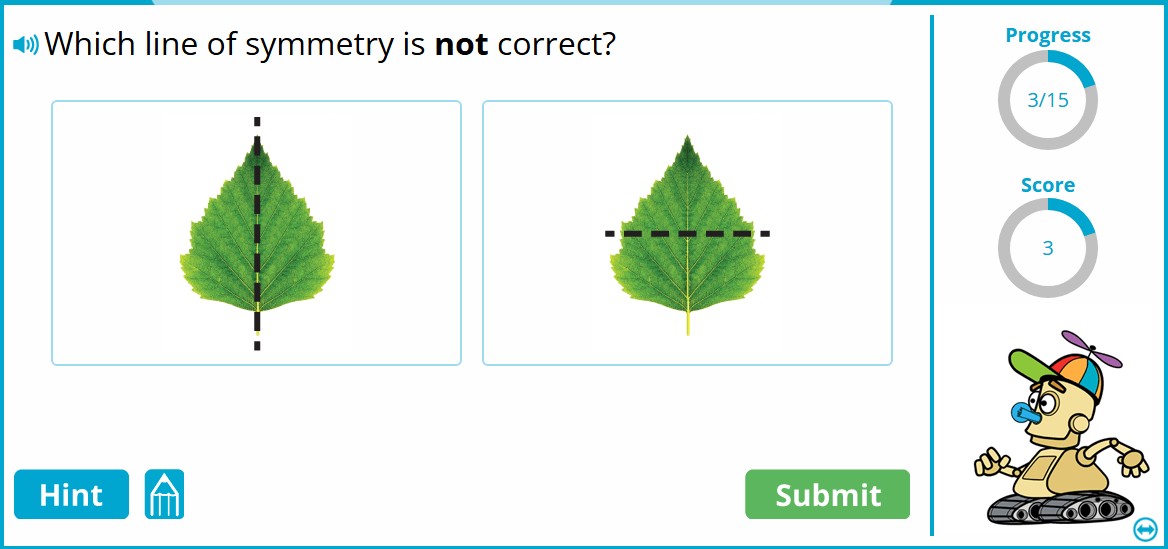
I Know It is a math and English language arts practice platform aimed at students in grades K-5, with a large collection of individualized exercises and activities.
The math content covers foundational areas including arithmetic, fractions, geometry, measurement, and other core elementary skills. Students work through interactive questions and receive feedback as they go. The platform uses gamified elements to keep practice moving, while teachers and parents can access progress information to see how students are performing.
The individualized approach is useful when students in the same class are working at different levels. A teacher can use the platform for additional practice without needing every student to complete exactly the same activity. I Know It can also be used for homework, independent practice, or reinforcement after a concept has been taught.
The focus here is to provide younger students plenty of opportunities to practice foundational math skills while giving teachers information about where they are succeeding and where they need more help.
Best for an all-in-one digital calculator
ClassPad.net
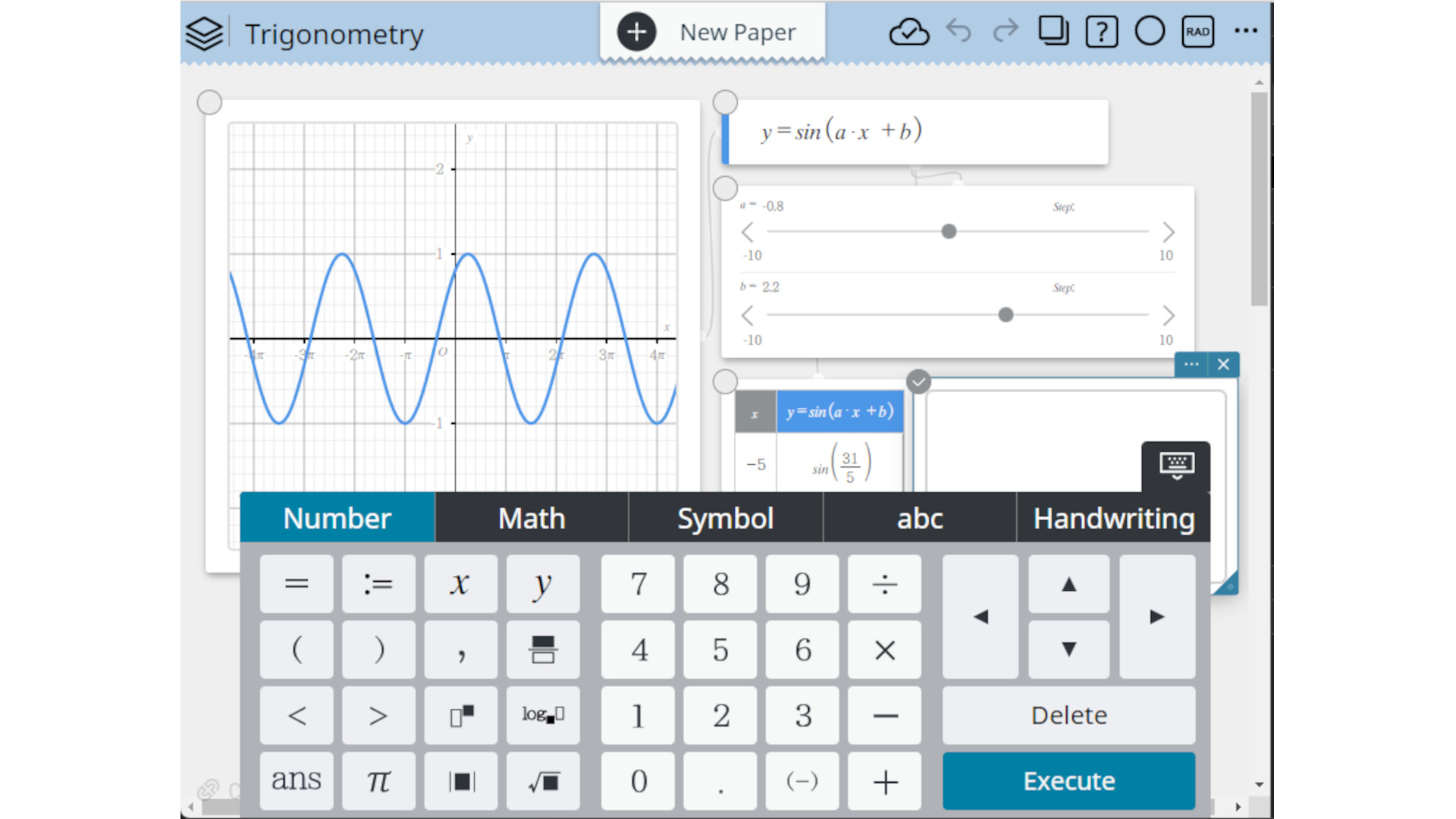
ClassPad.net is an online mathematics workspace from Casio that combines calculator tools with geometry, algebra, graphing, and other mathematical functions. It’s designed specifically for education, giving teachers and students access to many of the functions found on a physical graphing calculator through a browser.
Students can use it to work with equations, construct geometric shapes, create graphs, and explore mathematical relationships. Teachers can use the tools to demonstrate concepts or create activities for students to complete.
Because it runs online, students don’t need to carry a specialist calculator between home and school. The browser-based approach also makes it easier to share mathematical work digitally.
The platform provides a useful bridge between traditional calculator-based math and digital learning. Students can explore a concept visually, manipulate the mathematics, and see how different representations connect.
For classes where graphing, algebra, geometry, and calculator skills all feature regularly, ClassPad.net packs a lot into one digital workspace.
