
Adobe is really known for professional creative software such as Photoshop and Illustrator, but its latest education-focused app goes in a new direction. Adobe Aqua is a free drawing and creativity app designed for children aged five to 12, to give younger learners a safe place to experiment with art, storytelling, and design.
Aqua focuses on building confidence through play. Students can draw, color, create comics, design fashion, explore simple 3D creations, and even digitize artwork they’ve produced on paper. The aim is to make creativity feel approachable while helping children develop artistic and visual communication skills.
For teachers, that means an easy way to introduce creative activities across multiple subjects without the need for previous art experience.
The app can support literacy, science, social studies, math, STEM, and social-emotional learning through drawing-based projects that encourage students to think visually as well as verbally. Adobe also provides classroom-ready lesson ideas that connect Aqua activities to curriculum topics.
Aqua is completely free, contains no advertising or in-app purchases, and has been designed with child safety in mind. That makes it an attractive option for classrooms looking to encourage creativity without introducing unnecessary distractions. Here’s all you need to know about Aqua from Adobe.
What is Adobe Aqua?
Adobe Aqua is a free creativity app for iPhone, iPad, and Android devices aimed at children between the ages of five and 12. Developed by Adobe Labs, it combines drawing, painting, coloring, simple design tools, and creative games. This single platform is intended to make artistic expression feel fun rather than intimidating.
Students can work with traditional digital drawing tools, complete guided tutorials from children’s illustrators, color thousands of templates, create comic strips, design clothing collections, and experiment with simple 3D artwork.
One popular feature allows children to photograph artwork they’ve created, on paper, and store it alongside their digital creations inside a personal virtual museum. This helps bridge traditional and digital art.
Aqua also includes collaborative activities such as “1-2-3 Pass,” in which students take turns adding to the same drawing, encouraging teamwork and creative thinking. Other activities introduce design concepts such as color, composition, and pattern through playful challenges rather than formal lessons.
Adobe positions the app as a creativity platform rather than simply a drawing program. Alongside artistic skills, the company says Aqua is intended to help develop confidence, imagination, problem-solving, and communication through regular creative practice.
While these broader benefits depend on how the app is used, its emphasis on open-ended creation makes it great for a wide variety of classroom activities.
How does Adobe Aqua work?
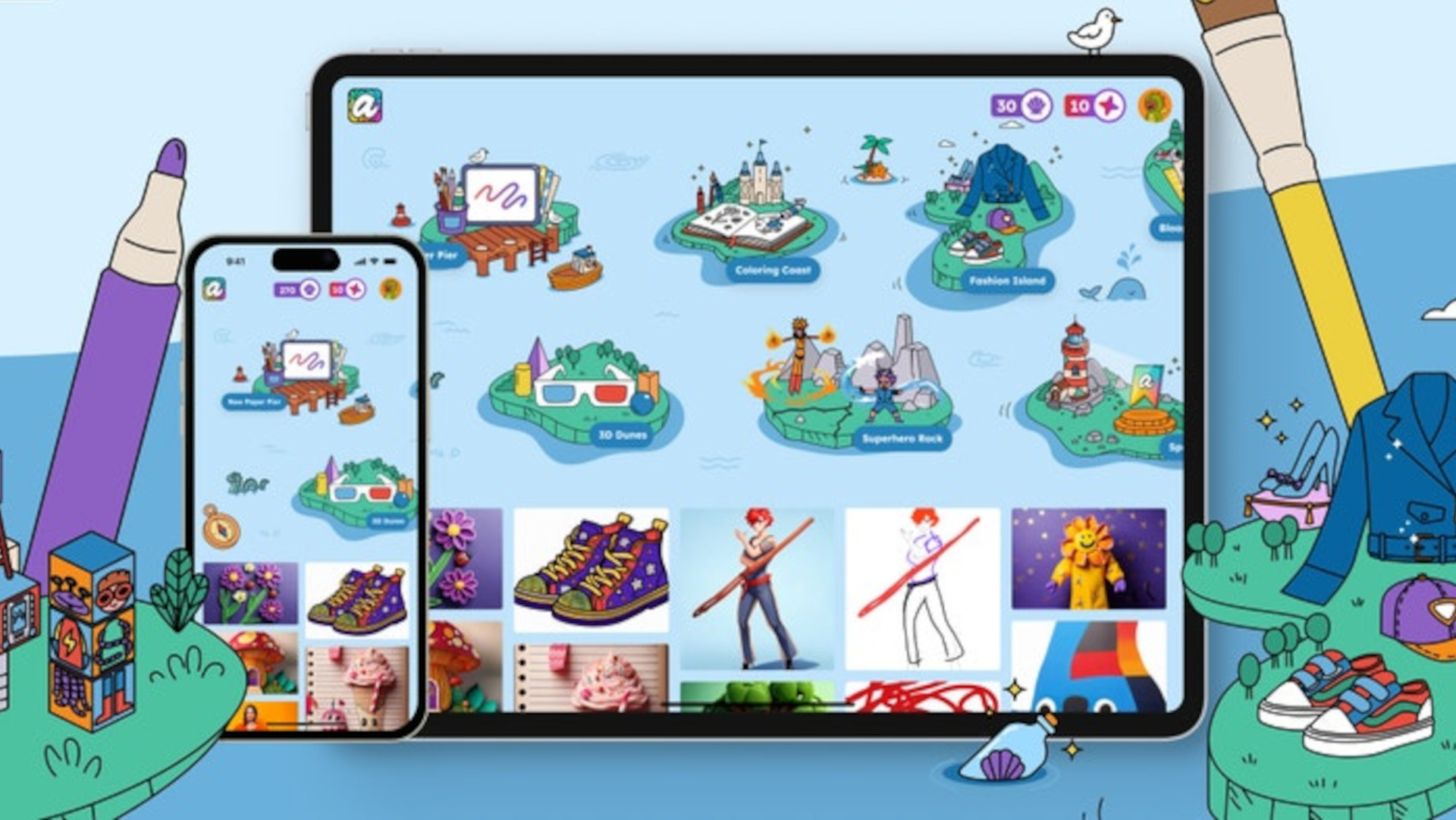
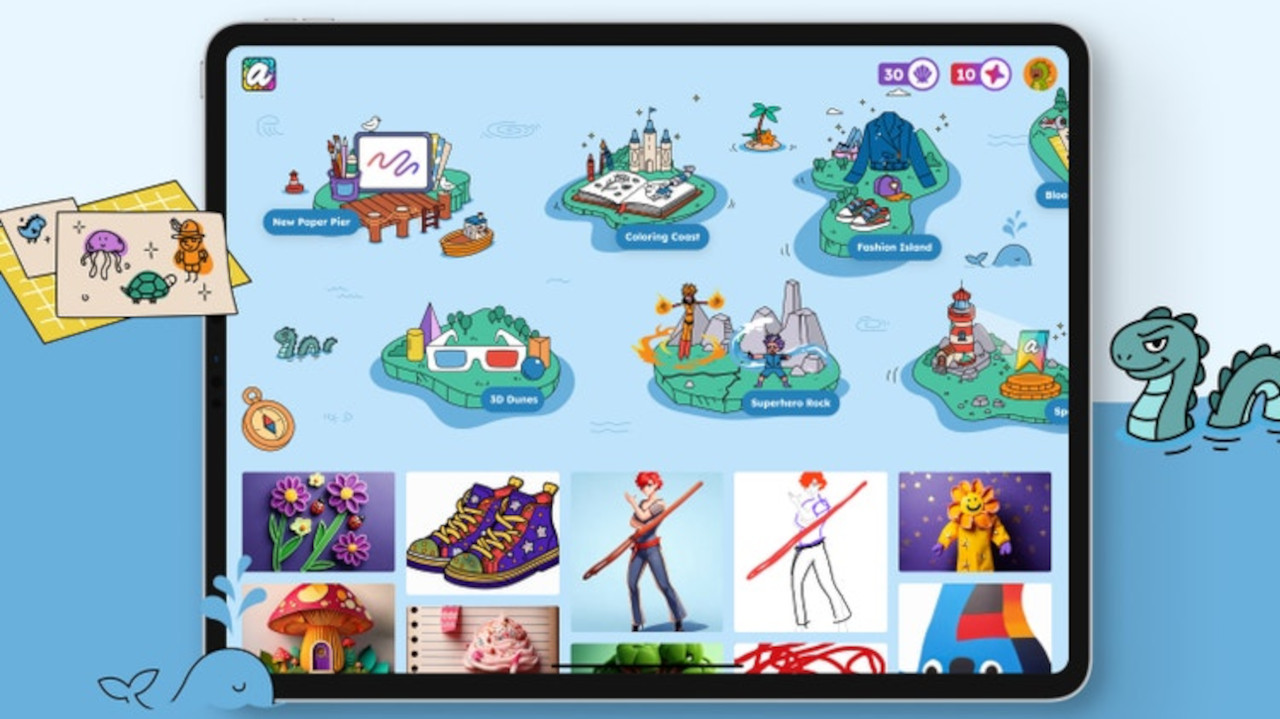
Students begin by selecting from a range of creative experiences instead of opening a blank canvas. They might start with coloring pages, follow a guided drawing lesson, create a comic scene, build a fashion collection, or explore a collaborative game. Each activity gradually introduces creative techniques without overwhelming younger users.
The interface is intentionally simple, with large icons and clear navigation suited to younger children. Aqua concentrates on features that encourage experimentation and creativity while remaining easy to understand.
Teachers can use Aqua as an individual creativity tool or as part of wider classroom projects. Adobe’s education resources suggest activities including illustrating vocabulary, designing historical costumes, creating diagrams for science topics, drawing story characters, and producing visual reflections for social-emotional learning.
Because the emphasis is on drawing ideas, rather than creating polished artwork, students with different artistic abilities can participate comfortably.
Some features make use of Adobe’s Firefly AI technology to apply creative effects or help transform artwork into different visual styles. These AI features are presented as optional enhancements rather than replacing the student’s own work. This allows learners to explore different artistic possibilities while keeping creativity at the center of the process.
Completed artwork can be saved inside each student’s virtual gallery, creating a digital portfolio that can be revisited throughout the school year and shared with families when appropriate. Since Aqua also works offline for many activities, it can be useful in classrooms where internet access is limited.

What are the best Adobe Aqua features?
One of Aqua’s biggest strengths is that it feels playful rather than instructional. Students are encouraged to explore ideas freely while still developing useful artistic and creative thinking skills.
The ability to combine physical artwork with digital creations is ideal for elementary classrooms. This allows traditional drawing lessons to continue while gradually introducing digital creativity.
Cross-curricular lesson ideas also make Aqua more useful than a standalone art app. Teachers can integrate drawing into literacy, science, history, or emotional wellbeing activities without needing specialist art knowledge.
Perhaps most importantly, Aqua removes many of the barriers associated with children’s apps by remaining free, ad-free, and designed specifically for younger learners, making it easier to introduce safely in school environments.
How much does Adobe Aqua cost?
Adobe Aqua is completely free to download and use on supported iPhone, iPad, and Android devices.
It has no advertisements, no in-app purchases, and no subscription required. Adobe has designed the app specifically for families and schools, with child privacy and safety forming a core part of the platform.
Best Adobe Aqua tips and tricks
Illustrate vocabulary
Ask students to draw new vocabulary words instead of simply writing definitions.
Support science learning
Create labelled life cycles, habitats, or diagrams using drawing tools rather than worksheets.
Retell stories visually
Have students recreate scenes or characters from class reading to demonstrate comprehension.
