AI teaching tools have moved well beyond simple chatbots, with the best options now offer teachers practical help. That can mean lesson planning, assessment, differentiation, feedback, and classroom management. Some put AI directly into students’ hands as a learning assistant.
The challenge is knowing which ones are actually useful. Countless AI tools now promise to transform education, but vary wildly in what is offered, designs for schools, and how much work teachers still need to do themselves.
These are some of the best AI teaching tools we’ve covered at Tech & Learning, selected for the different ways they can support educators and students. Some are designed primarily to save teachers time, while others are built to give students more personalized or interactive learning experiences.
From creating an entire lesson to helping a student practice a speech, these tools show just how broad AI’s role in education has become.
Best AI teaching tools
Best AI teaching tool overall
EdCafe AI
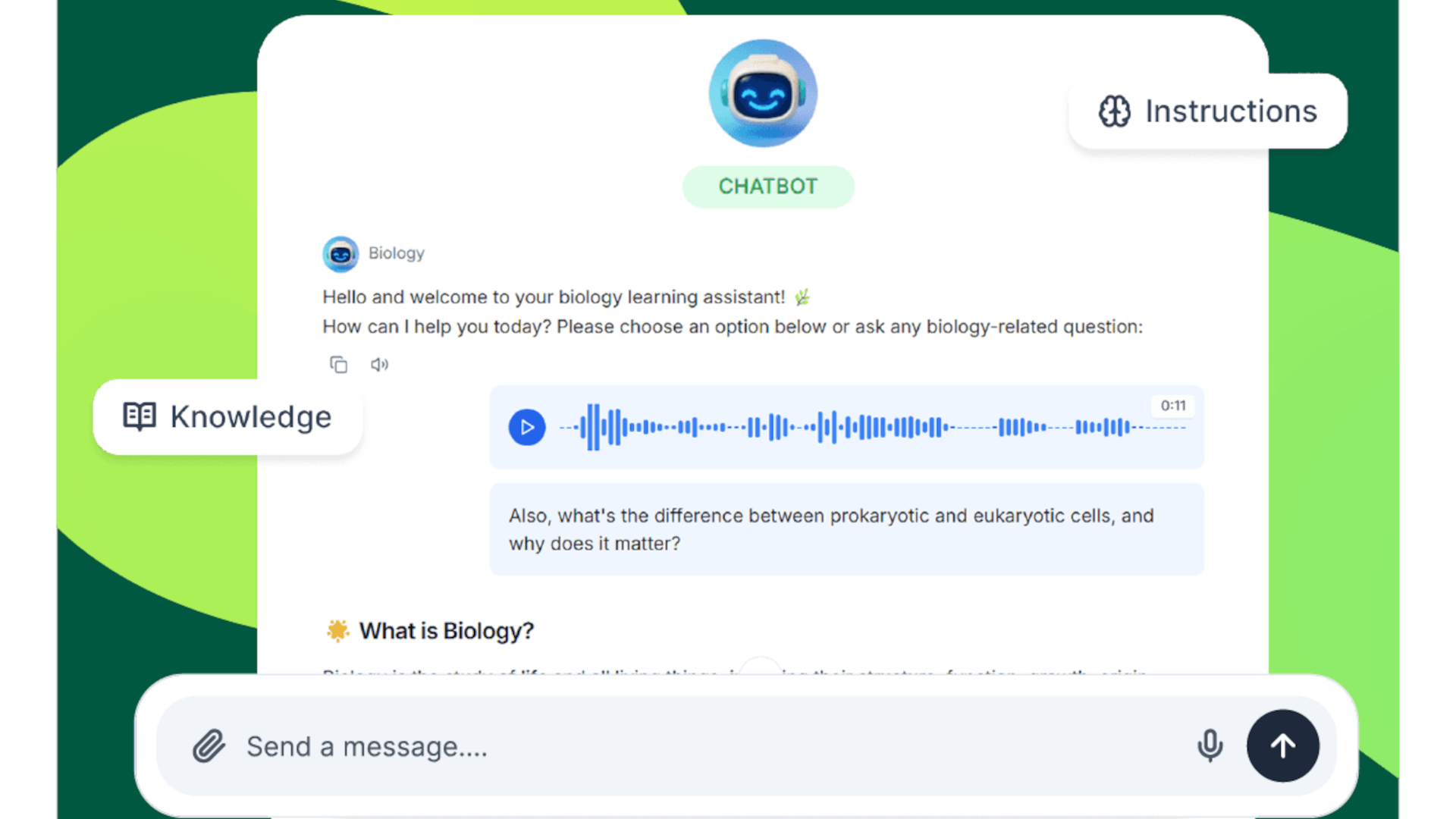
Edcafe AI is one of the more complete AI platforms for teachers because it aims to cover the entire teaching cycle rather than focusing on one particular task.
Teachers can use it to plan lessons, create learning materials, assign activities, and assess student progress, all from the same platform. Existing resources can also be uploaded so the AI can work from the material a teacher is already using rather than starting from scratch.
This is helpful when time is of the essence. A teacher can upload a document, presentation, or curriculum material and use AI to turn that into lessons, quizzes, or activities that can then be shared with students.
Tools are also available for differentiation, including chatbots that can be tailored to different abilities or subjects. Teachers can then monitor engagement and performance, creating a feedback loop that can help inform future lessons.
For teachers looking for one AI platform rather than a collection of separate tools, Edcafe AI is a great option.
Best for personalized learning
Flint
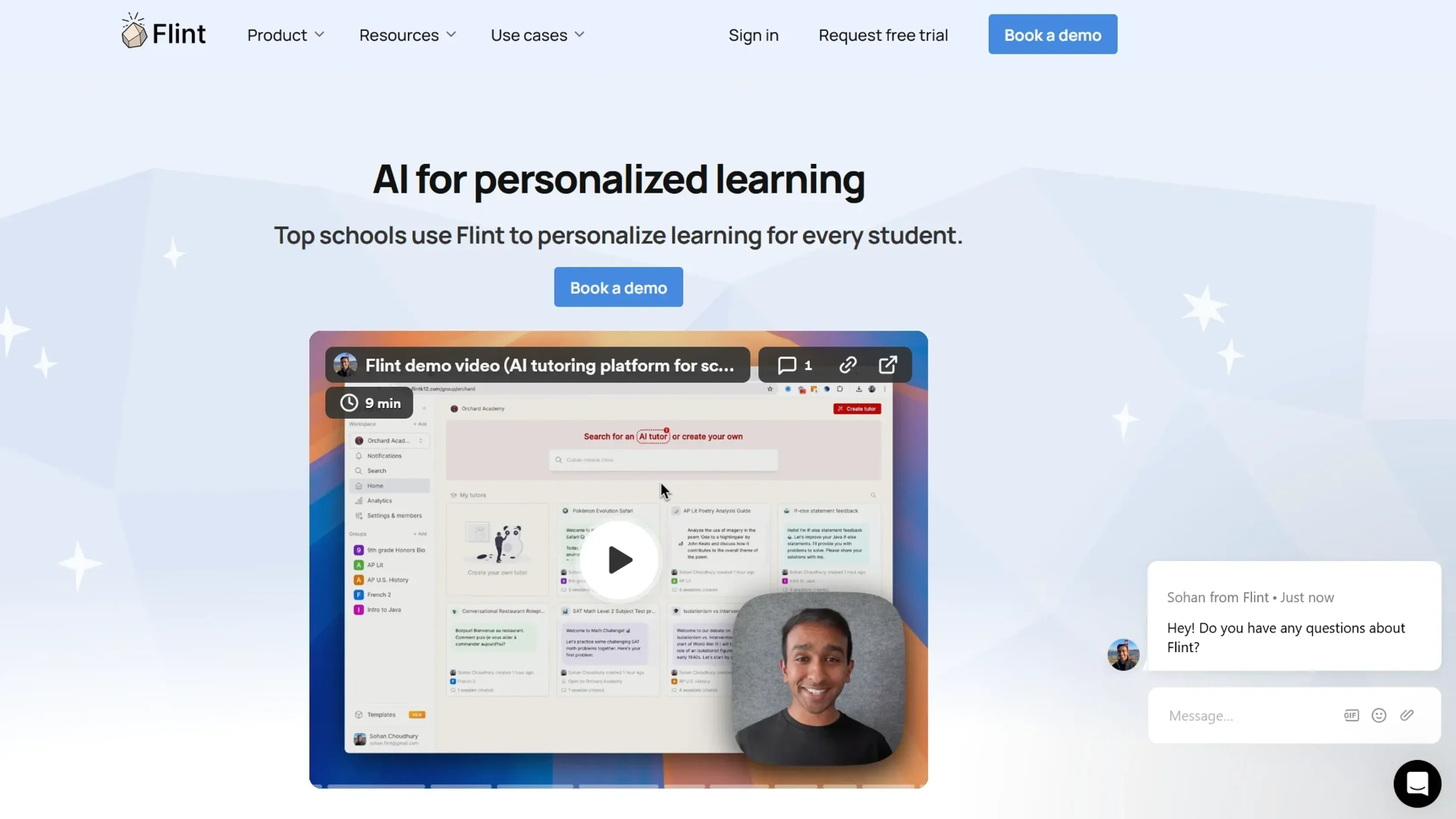
Flint takes a different approach by combining an AI teaching assistant with an AI tutor for students.
Teachers can use the platform to create lessons, activities, and feedback, while its Sparky AI tutor gives students individual support as they work. The teacher remains in control of how much help the AI is allowed to provide, which is useful when you want AI to guide students without simply handing them answers.
Teachers can upload worksheets, rubrics, lessons, and other resources and use those as the foundation for AI-generated activities. Students can then work through those activities, ask questions, and receive support along the way.
The personalized element is great here. It doesn’t expect an entire class to work through the same material at the same pace, but can provide additional support when individual students need it.
Teachers also get analytics and engagement information, while school-level controls and integrations make this suitable for wider deployment.
If you want to use AI to move toward more personalized instruction, Flint is a top choice.
Best for lesson planning
Eduaide.Ai
Eduaide.Ai is built specifically around the jobs that take up teachers’ time, making it a useful AI assistant for planning and creating classroom resources.
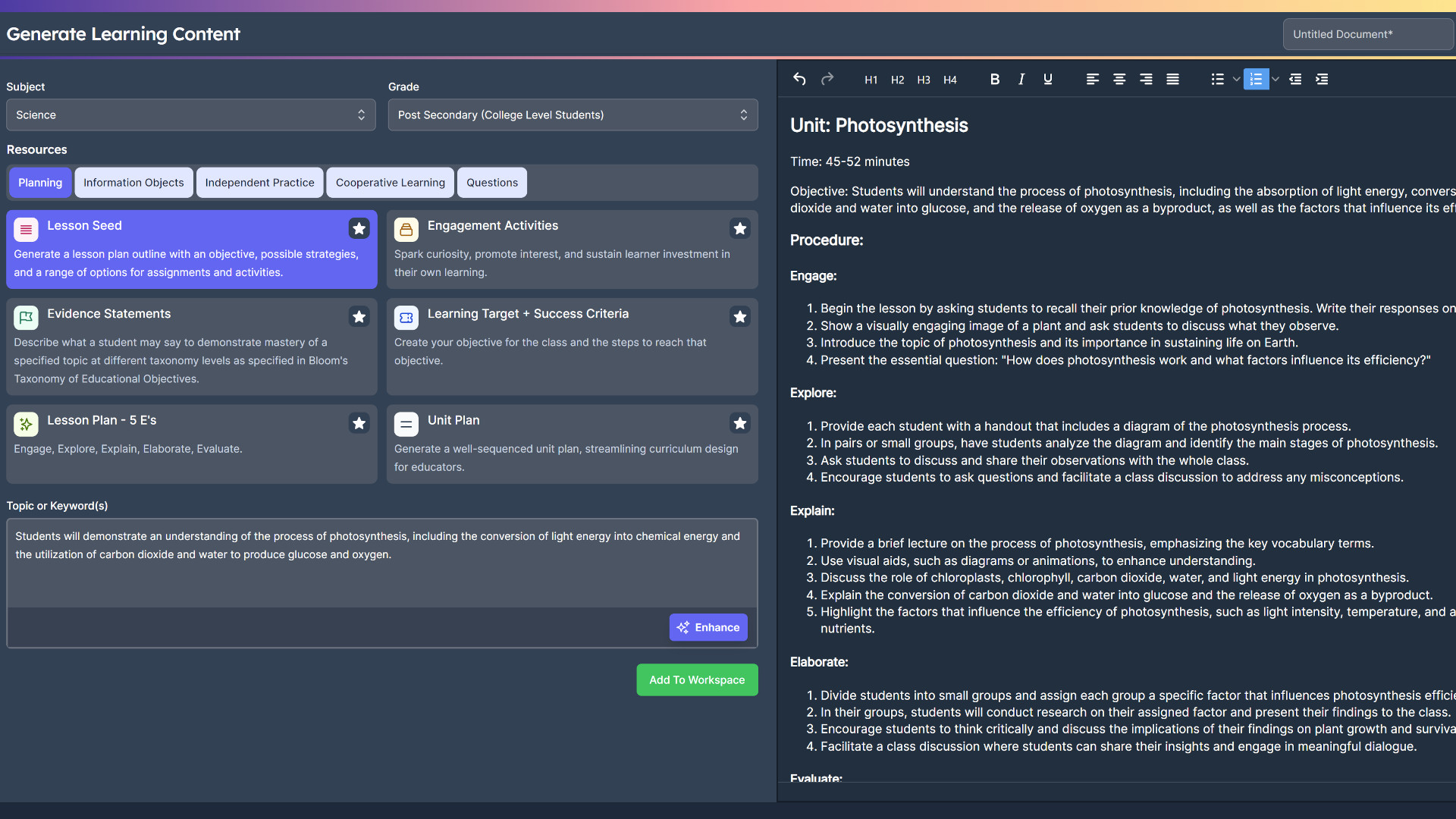
The platform can generate more than 100 types of teaching resources, including lesson plans, worksheets, quizzes, assessments, vocabulary lists, problem sets, escape rooms, and role-playing scenarios.
This doesn’t rely on an open-ended chatbot prompt, so teachers can select the type of resource they want and provide the information needed to create it. That makes the process more straightforward for educators who don’t want to spend time learning how to write elaborate AI prompts.
It also offers a built-in editor, so teachers can refine the generated material without leaving the platform. Support for more than 15 languages adds another useful layer for language teaching and multilingual classrooms.
Eduaide.Ai is less about giving students an AI chatbot and more about giving teachers an AI-powered resource creation assistant. It’s ideal when the goal is to spend less time making teaching materials and more time using them.
Best for student AI interactions
SchoolAI
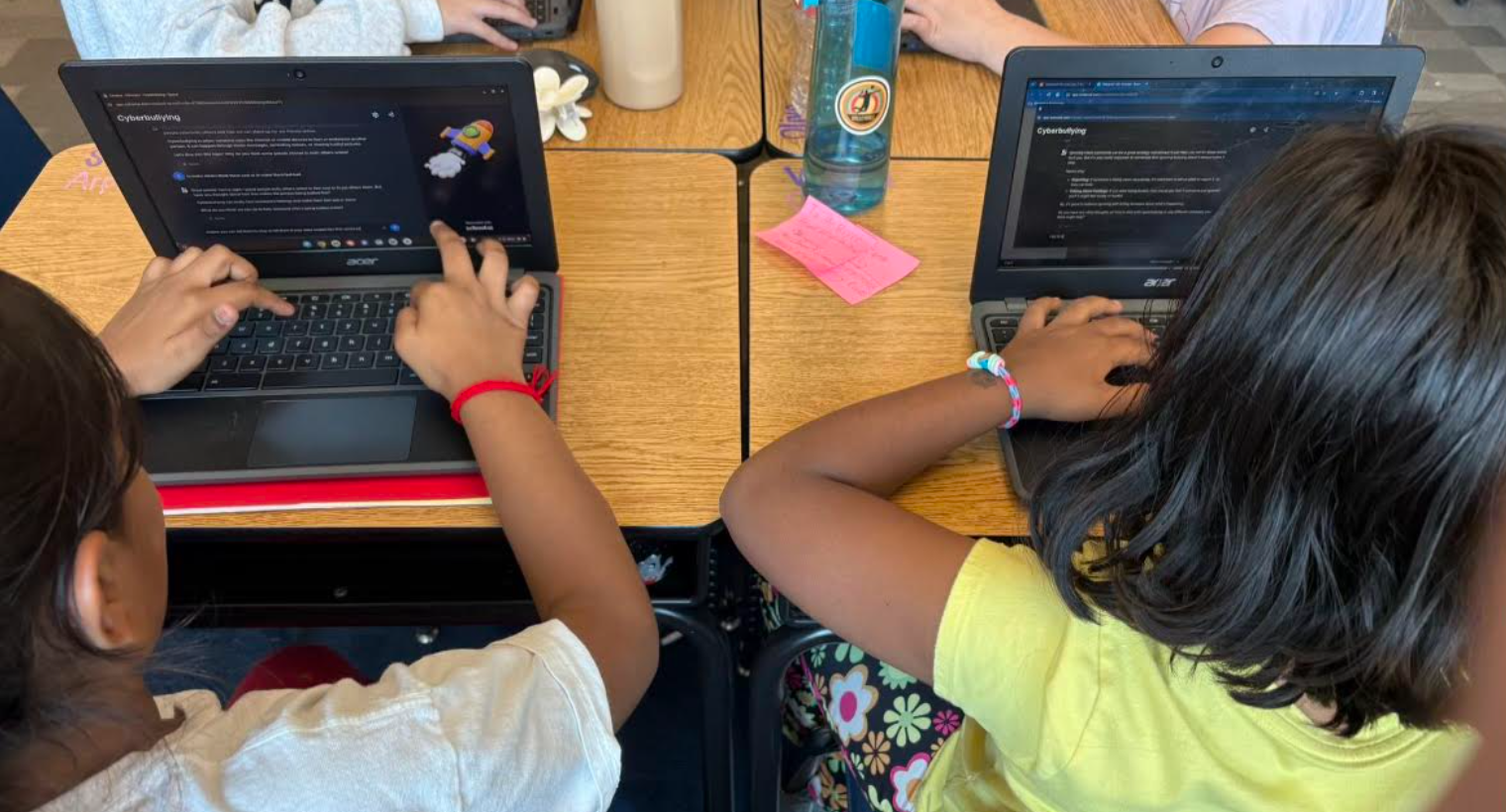
SchoolAI is designed specifically for education, with AI tools intended to support both teachers and students.
Teachers can use it to create tailored lesson plans, quizzes, and worksheets, with automatic alignment to educational standards. Students can then interact with AI in a more controlled environment rather than simply being handed access to a general-purpose chatbot.
SchoolAI is designed around the idea that AI can provide personalized support while still sitting inside a teacher-controlled classroom environment. The platform can adapt learning experiences to individual students, helping provide something closer to one-to-one support without requiring a teacher to spend one-to-one time with every child.
SchoolAI also highlights its FERPA, COPPA, and SOC 2 compliance, giving schools additional reassurance around its use in an educational environment. For teachers who want students to use AI rather than simply have AI create resources behind the scenes, SchoolAI is one to investigate.
Best for creating teaching materials
Almanack
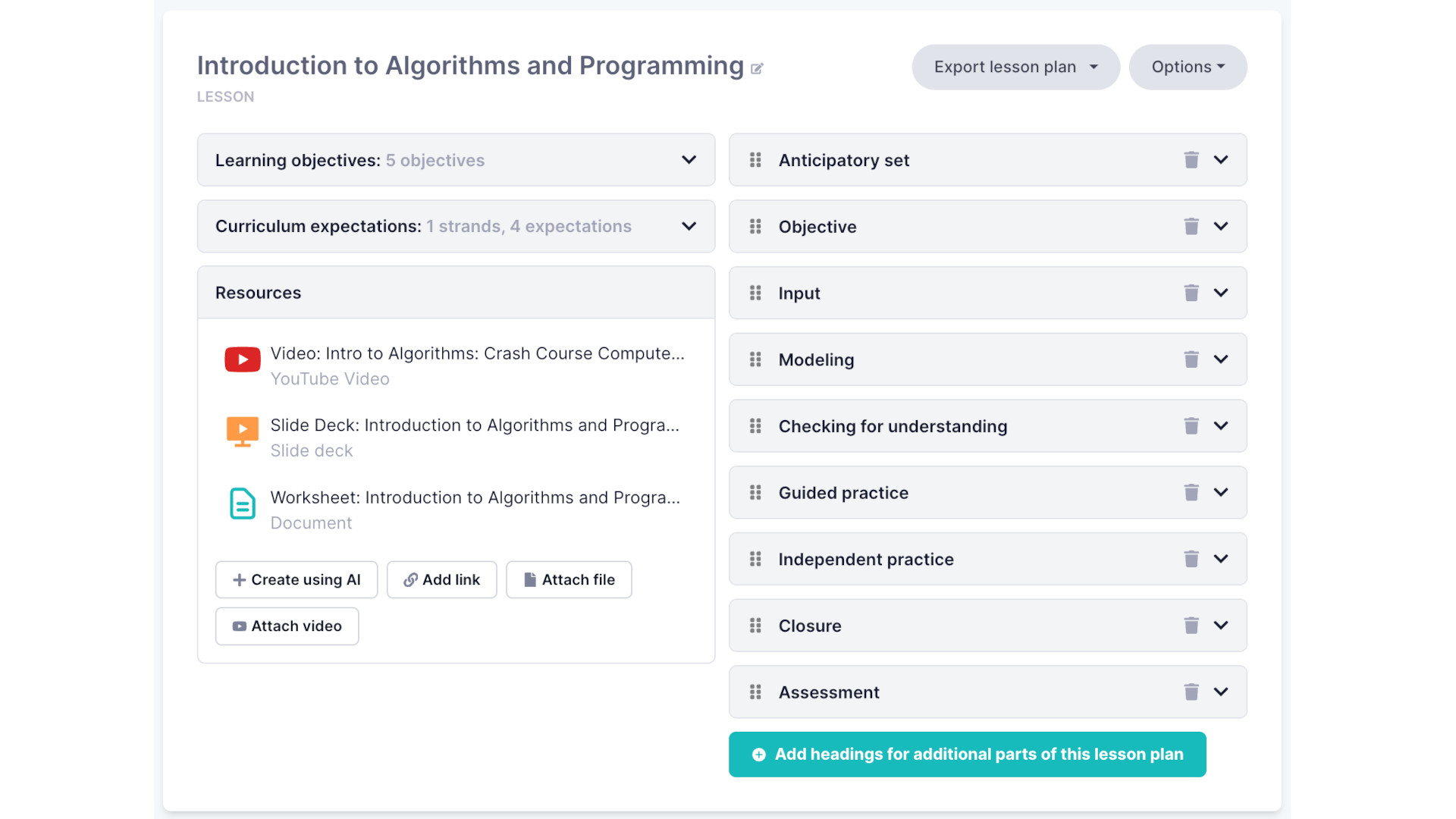
Almanack is an AI assistant designed specifically for educators, with a focus on turning prompts into classroom-ready resources. Teachers can create slide decks, worksheets, lesson plans, quizzes, tests, games, and report card comments. It can also help with longer-term curriculum planning, giving it uses beyond simply creating a single lesson.
One of the top features is differentiation. Teachers can create multiple versions of a resource for different ability levels without having to start again each time. Almanack can also translate resources, which could be useful when working with multilingual students or creating materials for English-language learners.
The platform is standards-aligned and designed so that AI-generated content is created for teachers rather than being delivered directly to students. That leaves the educator in control of checking and refining the material before it reaches the classroom.
Like any generative AI tool, Almanack still needs a human check. But if creating teaching materials is eating into your preparation time, it can take a lot of the initial work off your plate.
Best for standards-aligned teaching
Teachally
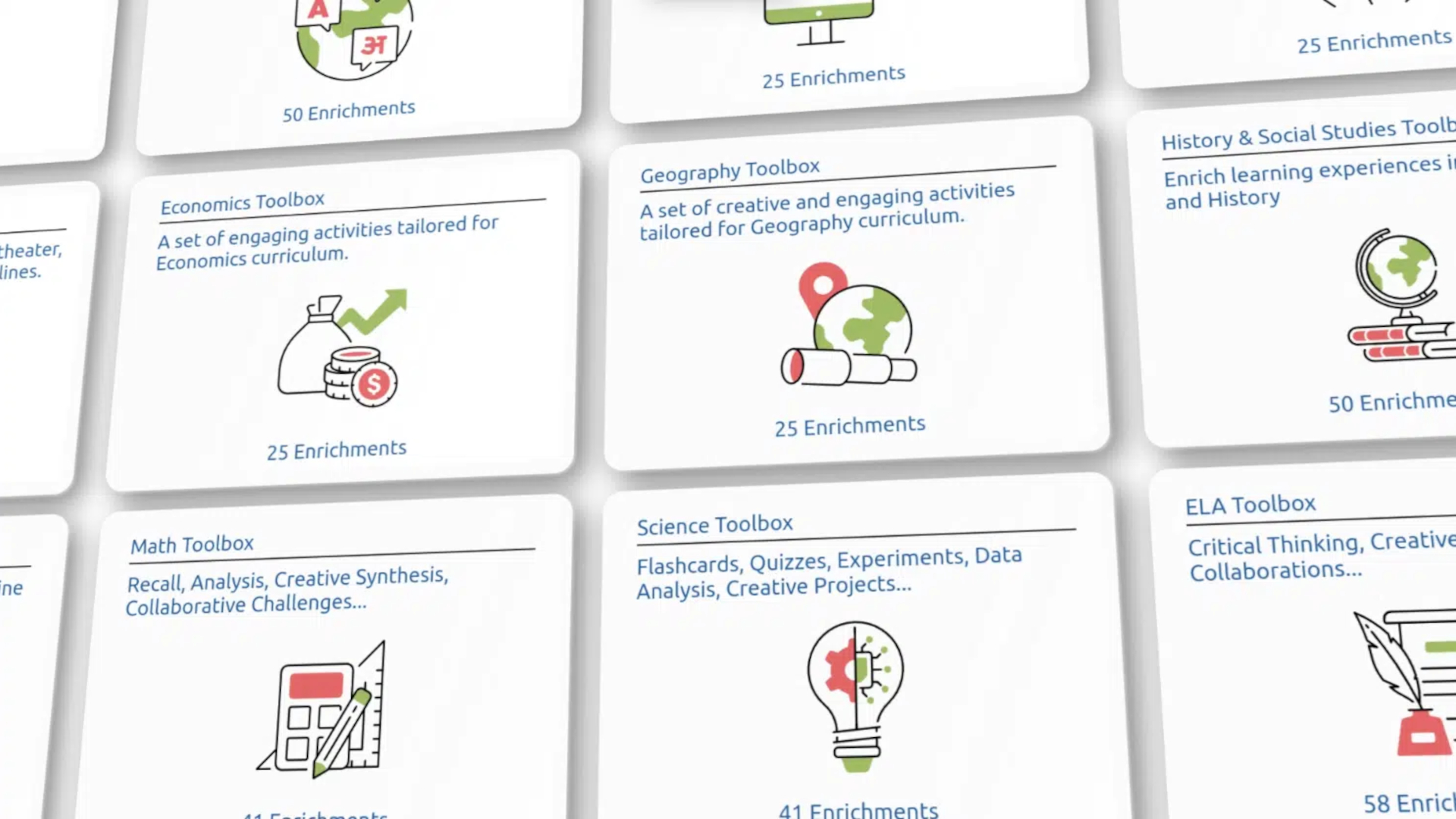
Teachally uses AI to create personalized teaching resources while keeping curriculum and standards at the center. The platform can generate lesson plans, teaching guides, and assessments based on the subject, class, and individual learning requirements. It is designed to support differentiation, so teachers can create material that better suits students working at different levels.
One of its biggest selling points is its extensive standards alignment. Teachally supports hundreds of thousands of state and national standards, allowing teachers to connect generated resources with the requirements they’re actually teaching. The platform also supports translation into more than 100 languages, giving it potential uses in multilingual classrooms.
That combination of AI generation and standards alignment makes Teachally useful for teachers who don’t just want an AI-generated lesson, but want something that fits into the curriculum they already need to deliver. It’s another good example of AI being used as a teaching assistant rather than a replacement for the teacher.
Best for public speaking
Yoodli
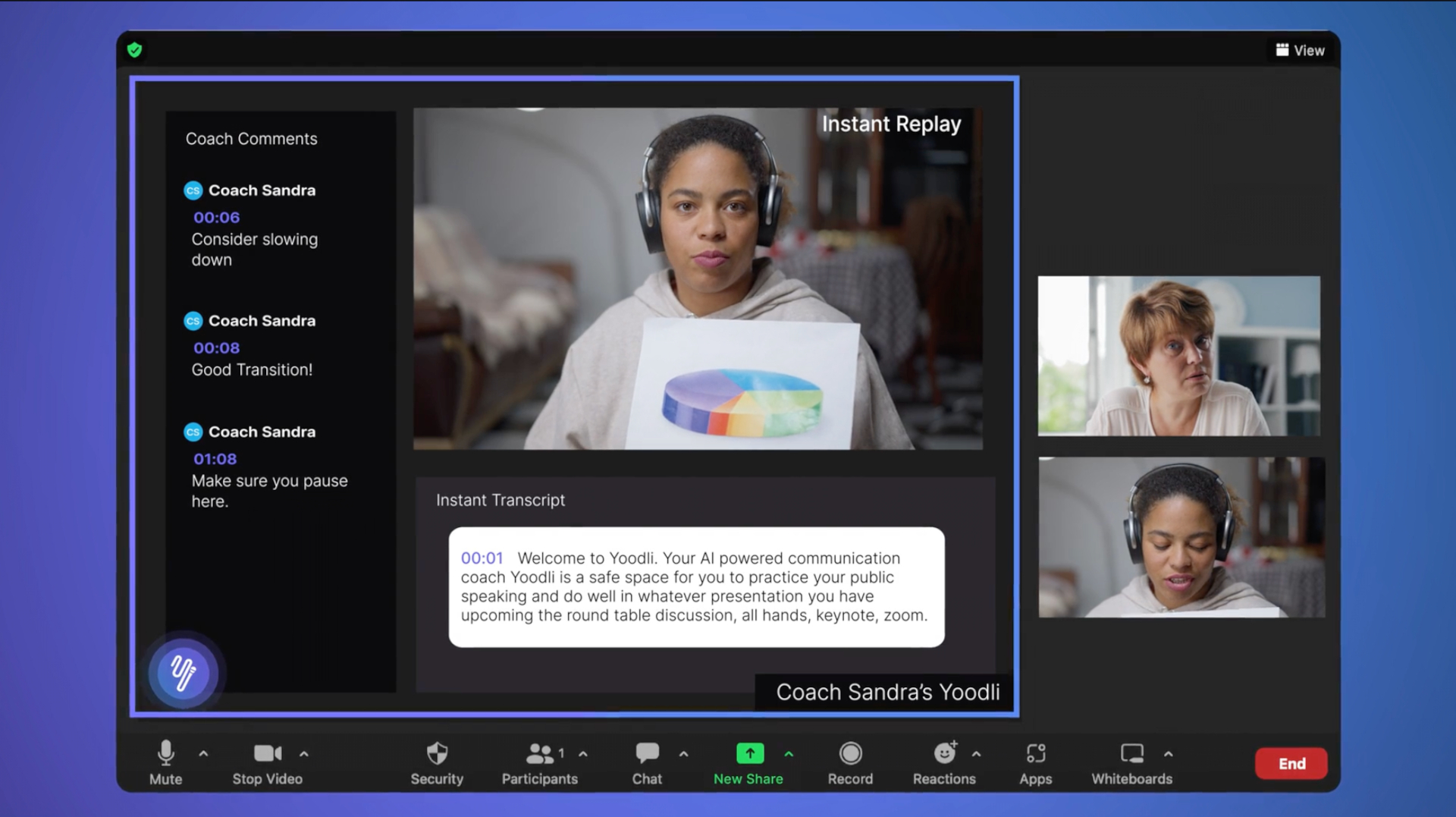
Yoodli takes AI into a more specific area of education, helping students become better speakers. The platform acts as an AI speech coach, allowing students to practice presentations, speeches, interviews, and other speaking activities privately before performing in front of a real audience.
Students can record themselves speaking and receive immediate feedback on things such as pacing, filler words, word choice, and body language. They can see specific areas to work on rather than simply being told that a presentation needs improvement.
Teachers can also create custom role-playing scenarios and learning activities, while Yoodli’s AI Tutor can hold conversations with students and ask follow-up questions. This makes it useful for English, public speaking, presentations, interview preparation, and English-language learners.
The biggest benefit is the opportunity to practice without the pressure of an audience. Students can make mistakes, try again, and improve before they have to stand up in front of the class.
Best for teaching how AI works
Teachable Machine
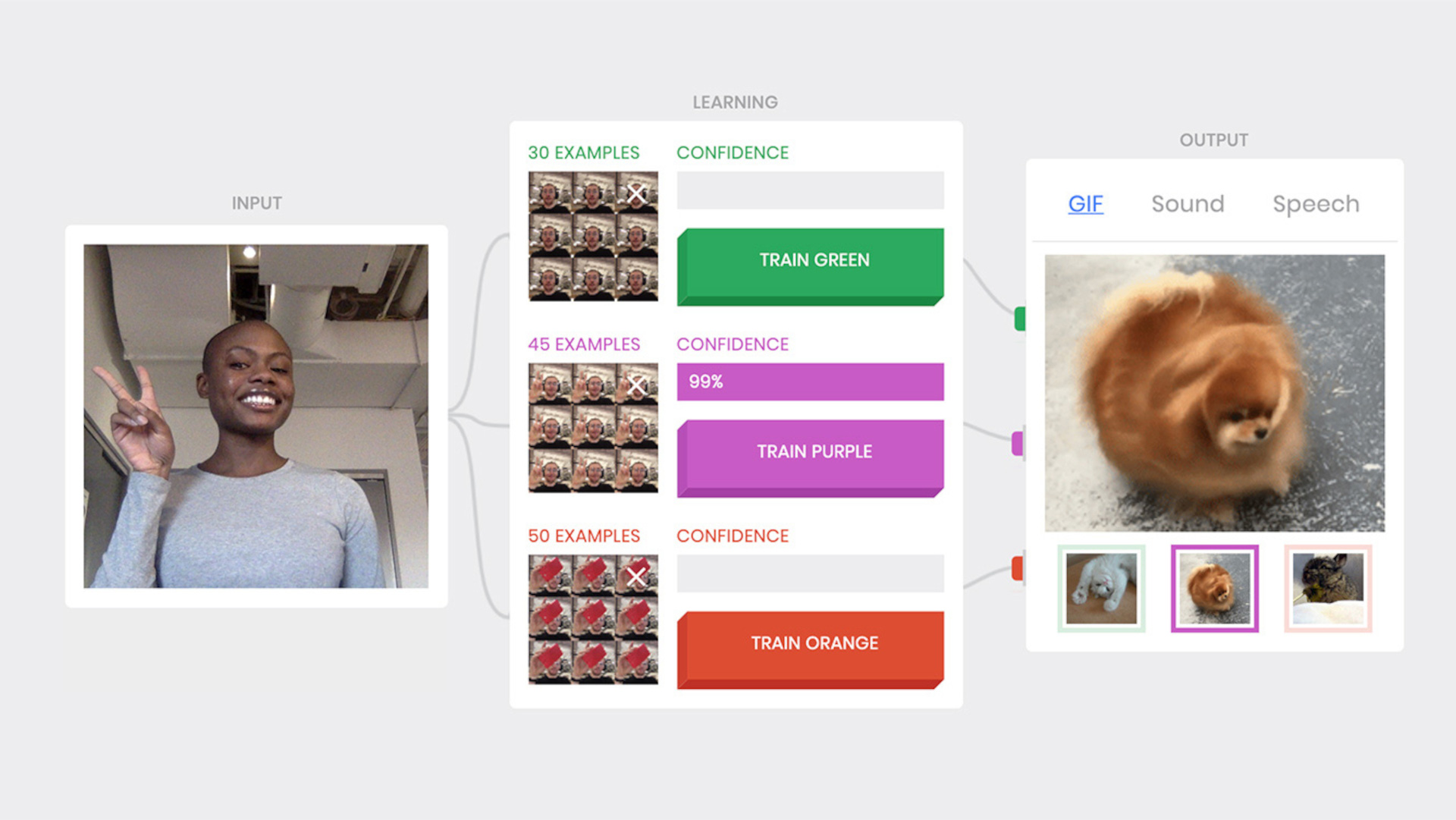
Teachable Machine is different from most of the tools on this list because the AI isn’t simply there to help the teacher. Instead, it lets students actually experiment with machine learning.
The Google tool allows users to train simple AI models using images, sounds, and movements. Students can provide examples, train the system, and then see how it responds to new information. This offers a super accessible way to demonstrate what machine learning actually means. Rather than explaining algorithms purely through theory, teachers can let students experience the process of training an AI system for themselves.
Educational resources are also available that can be used alongside the platform to explore topics such as algorithms, data, and AI ethics. For example, students can create an algorithm designed to identify their preferred type of sandwich, then examine why the system produces particular results. This opens the door to discussions around training data, bias, and the way algorithms can influence outcomes.
And there’s no subscription to worry about as Teachable Machine is completely free to use and doesn’t require users to sign in. For teaching AI literacy rather than simply using AI, it’s hard to beat.
