
Tech and Learning’s “EdTech to Watch Virtual Playground” webinar, hosted by Jess Steinbach and sponsored by Clear Touch, MagicSchool, and Vivacity, focused on award-winning back-to-school edtech designed to enhance teaching, broadcasting, and professional development.
During the event, each of the sponsors presented live demonstrations of their products, and fielded questions from attendees.
Watch the webinar on demand free here
Clear Touch: Command Studio
Tristan O’Connor, Product Solutions Manager at Clear Touch, presented the Command Studio, a portable video broadcasting solution designed for schools.
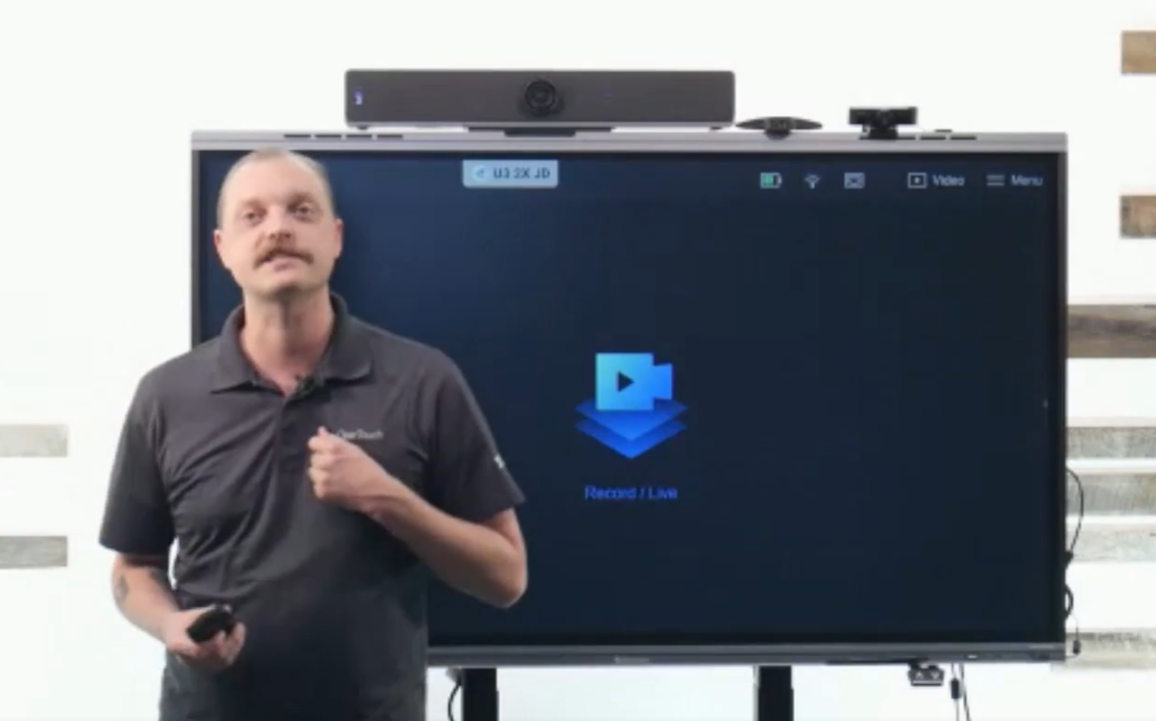
“We saw the value in making a self-contained video broadcasting solution that is not only self-contained, but also affordable,” O’Connor said. “The vision here was not only to simplify a teacher’s life, but also leaning into those podcast spaces, and those content-creation spaces that are so big now.”
Core Features: The system includes a control console, two to three cameras, and battery-operated microphones with a 6-hour battery life. It can establish its own local network without requiring internet connectivity.
Functionality & Integration: Supports multi-platform streaming (such as YouTube and Twitch via stream keys), local recording, and direct decoding on interactive flat panels via HDMI/USB.
Advanced Tools: Features AI camera tracking, green screen capabilities with virtual backgrounds, built-in audio mixing, and upcoming support for smartphone camera integration.
Educational Impact: Simplifies morning announcements, graduation recordings, and media studies programs, making professional-quality broadcasting accessible without dedicated production spaces or technical staff.
MagicSchool: Presentation & Image Generators
Caroline Humphrey, Staff Product Manager at MagicSchool and a former educator, introduced the latest features of MagicSchool, an AI-powered platform designed to combat teacher burnout.
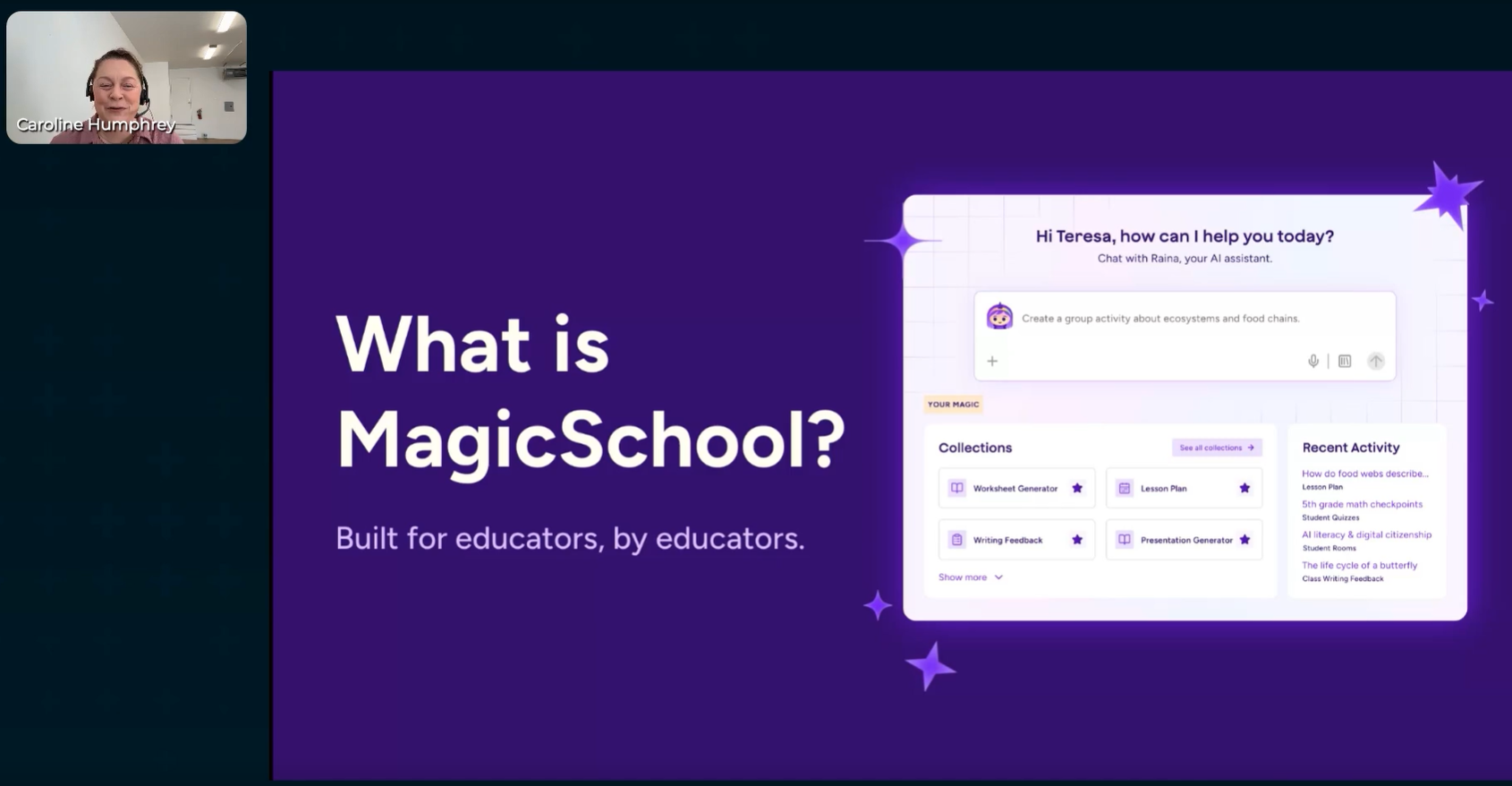
“Everything we build starts with what teachers need in their classrooms,” said Humphrey. “We use the best frontier models, which have been vetted for education, and we have partnerships with those platforms that help us create really enriching, pedagogically aligned content.”
Platform Overview: MagicSchool provides purpose-built tools for lesson planning, differentiation, and student engagement while maintaining strict data privacy (user data is never shared with frontier models).
Presentation Generator: Allows teachers to generate slide decks by specifying grade level, length, topic, and learning objectives. Users can select from various themes and layouts, edit content directly or via AI prompts, and incorporate image placeholders.
Image Generator: Enables educators to create educationally aligned images across 15 different styles (such as photorealistic, watercolor, or labeled diagrams and anchor charts).
Safety & Moderation: Utilizes a proprietary moderation pipeline to ensure all generated content is safe, age-appropriate, and pedagogically sound for K-12 classrooms.
Vivacity: V Guide Learning Hub
Kendal Shomura, Google Partner Services Leader at Vivacity, announced the official launch of the V Guide Learning Hub.
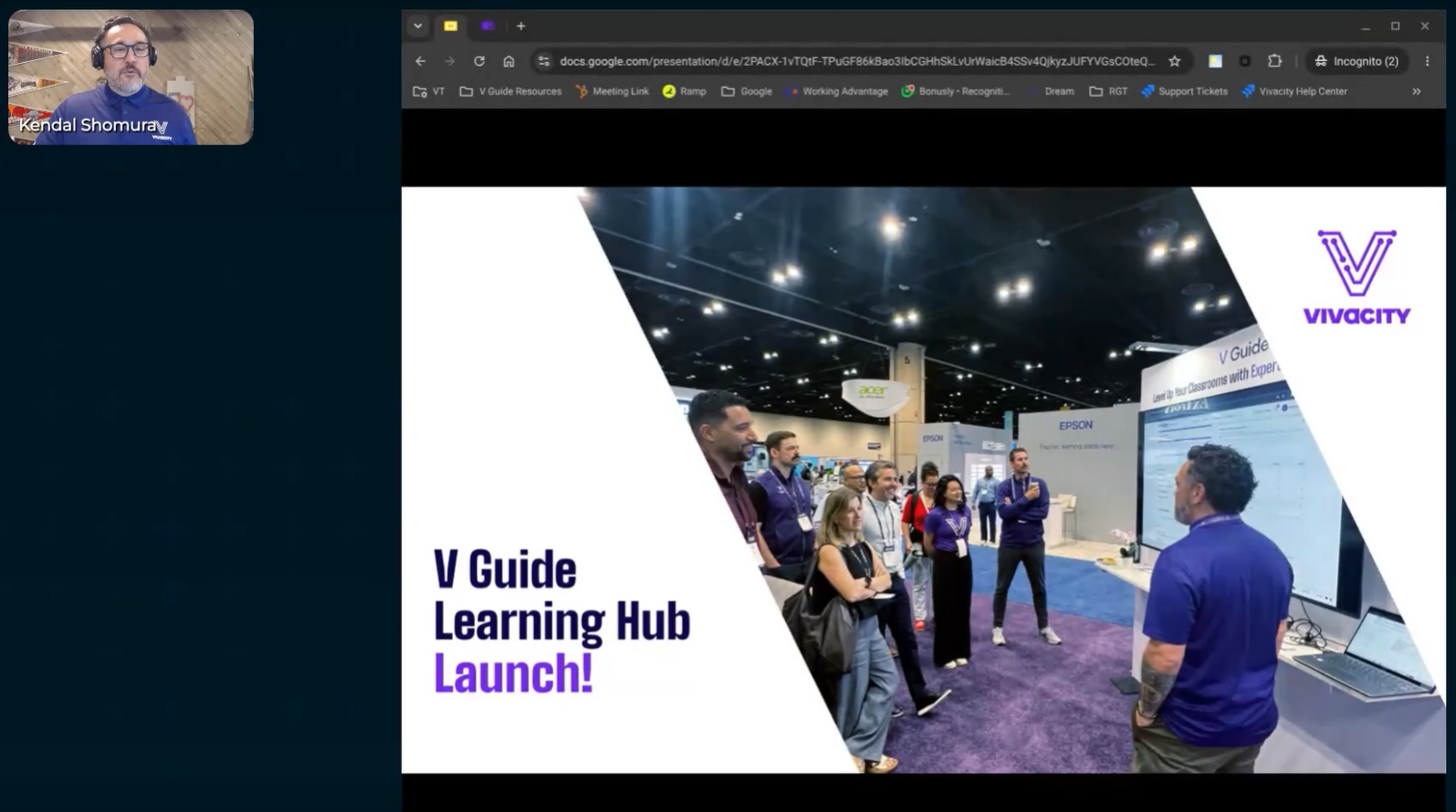
“It is free, but it’s not just a free tool we threw together and then threw out there into the world,” Shomura said. “The cool part is that we created and designed it for K-12, and exactly what instructional and technical folks need for their PD requirements.”
Platform Overview: V Guide is a 100% free, centralized LMS designed for K-12 professional development, covering both instructional and technical Google tools.
Key Offerings:
- Curated Courses & Learning Paths: High-quality modules on Google Admin, Chromebook Plus, Gemini Essentials, and more.
- The Toolkit: Automatically compiles all resource links, slide decks, and materials from course modules into an accessible package.
- The Pulse: Provides updates on Google Workspace features along with expert commentary on the practical impact on K-12 education.
- AI Educator Series & Trophy Case: Tracks PD progress and displays earned credentials and badges.
District Management: District leaders can create custom courses (using up to 3GB of storage or external links), organize learning cohorts, set assignment due dates, and track engagement through detailed analytics insights.
Artificial intelligence was used to help transcribe this webinar.
