
Reading Eggs is an online literacy program that helps young students learn to read through interactive lessons, phonics activities, and digital books. Teachers can use it to support early reading instruction, give students independent practice, and track their progress.
The platform covers everything from letter recognition and early phonics to reading fluency, vocabulary, and comprehension. With separate programs for different reading stages, it can support students as they develop their skills.
Here’s what educators need to know about Reading Eggs and how to use it in class.
What is Reading Eggs?
Reading Eggs is a digital literacy platform designed for children aged 2–13, with programs aimed at different stages of reading development. It combines structured learning activities with games, rewards, and books to encourage regular reading practice.
The main program, Reading Eggs, focuses on early reading skills for children aged 3–7. Reading Eggspress develops comprehension, fluency, spelling, and vocabulary for older students, while Fast Phonics provides additional systematic phonics practice. Reading Eggs Junior is also available for younger children, with a digital library containing more than 4,000 books.
Together, these resources cover a broad range of literacy needs, from getting started with letters and sounds to developing more confident independent readers.
How does Reading Eggs work?
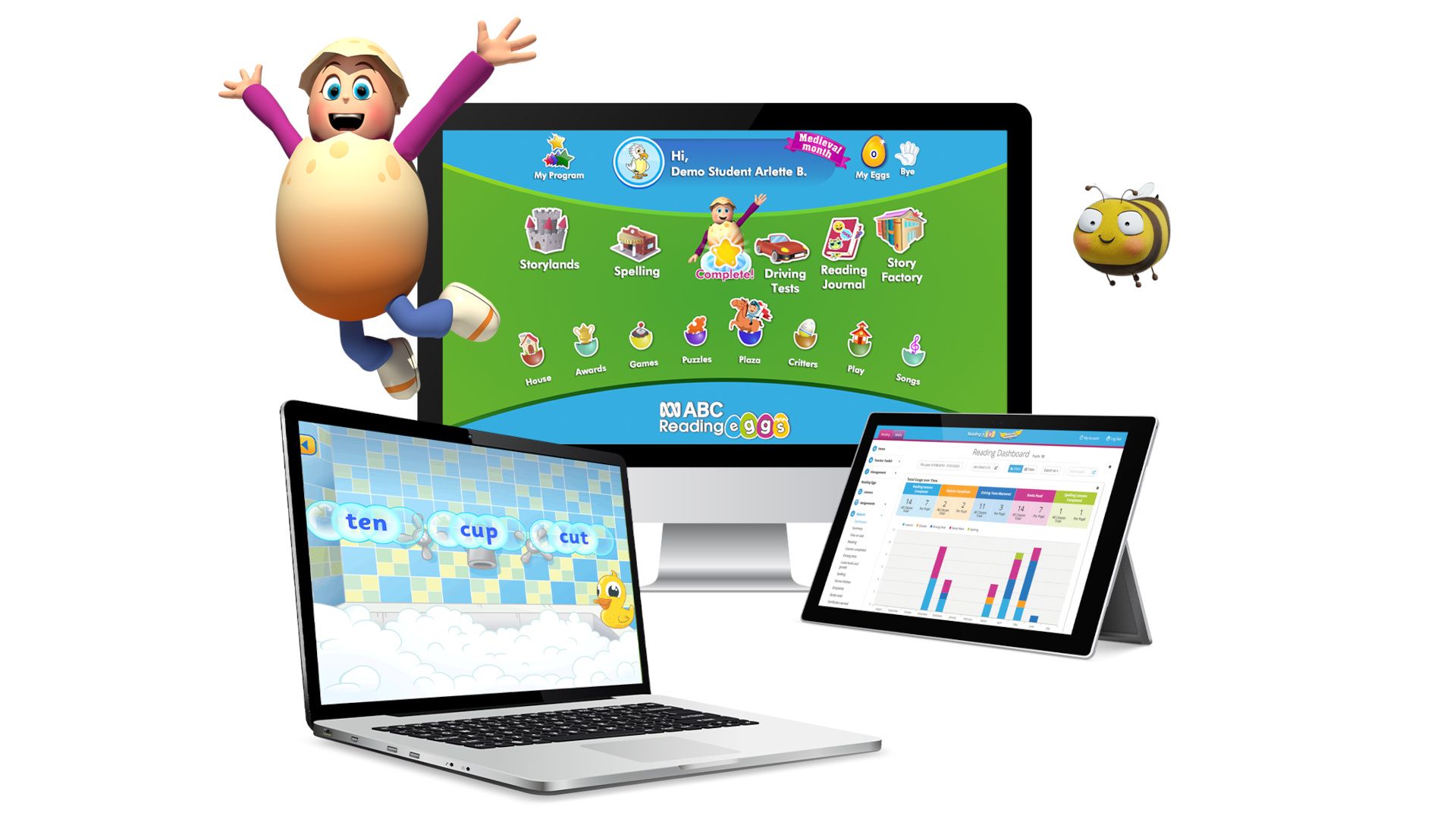
Teachers can begin by using the placement test to help identify an appropriate starting level for each student. Students then work through interactive lessons at their own pace, completing activities and quizzes that reinforce the skills being taught. The lessons combine demonstrations, practice activities, and reading tasks.
In the core Reading Eggs program, students progress through 120 lessons, each building on earlier learning. Fast Phonics takes a more focused approach, with sequenced activities covering letter-sound relationships, blending, spelling, and decodable reading.
Teachers can assign lessons and books, access printable resources, and use reporting tools to monitor progress.
What are the best Reading Eggs features?
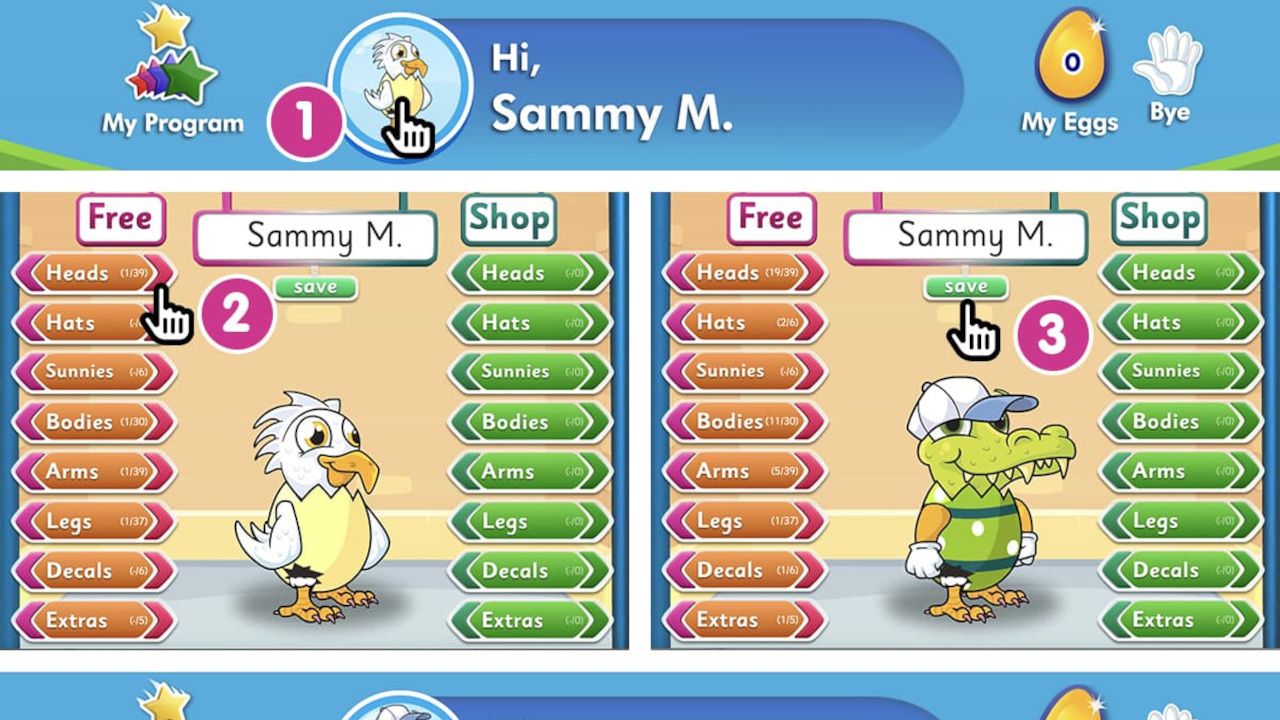
Interactive reading lessons: Structured activities introduce and reinforce early reading skills, including phonics, sight words, vocabulary, and comprehension.
Fast Phonics: A dedicated systematic synthetic phonics program gives students additional practice with letter sounds, blending, segmenting, and decodable texts.
Reading Eggspress: Older or more experienced readers can work on fluency, comprehension, spelling, and vocabulary through a separate set of lessons and activities.
Digital book library: More than 4,000 leveled e-books give students access to reading material across different abilities and interests. Comprehension quizzes provide opportunities to check understanding.
Teacher dashboard and reporting: Educators can assign activities, view student progress, and identify areas in which further instruction may be needed.
Printable classroom resources: Worksheets and other teaching materials support follow-up activities away from the screen, helping teachers connect digital practice with classroom instruction.
How much does Reading Eggs cost?
Reading Eggs offers a free 30-day trial for new subscribers, but school subscriptions require a quote from the provider.
For individual families in the U.S., the Reading-only plan costs $9.99 per month or $69.99 per year. A combined Reading and Math subscription costs $13.99 per month or $99.99 per year. Both plans cover up to four children.
School subscriptions include access to the relevant literacy programs and teacher reporting tools, with additional resources available to support classroom instruction.
Reading Eggs Tips
- Choose the right starting level
Use the placement test and your own classroom observations to find a suitable level for each student, as age alone isn’t always a reliable guide to reading ability. - Introduce it during literacy rotations
Set aside a regular slot for independent practice while you work with a small group. Short, consistent sessions can help students build familiarity with the platform without replacing direct teaching. - Assign lessons with a purpose
Match activities to the phonics patterns, vocabulary, or comprehension strategies you’re teaching in class. This makes the platform a useful extension of your lessons rather than a disconnected screen activity. - Check the progress reports
Review student performance regularly to spot skills that need revisiting. Use the results alongside classroom reading, discussion, and assessment rather than relying on digital scores alone. - Follow up with real books
Connect online activities to shared reading, decodable books, and discussion. Ask students to explain what they’ve read, practice unfamiliar words, and apply their skills to texts beyond the platform.
