
Planning lessons, creating quizzes, and finding ways to support students with different learning needs can take up a lot of a teacher’s time. AI tools promise to make some of that work easier. These can help produce resources that are useful in the classroom.
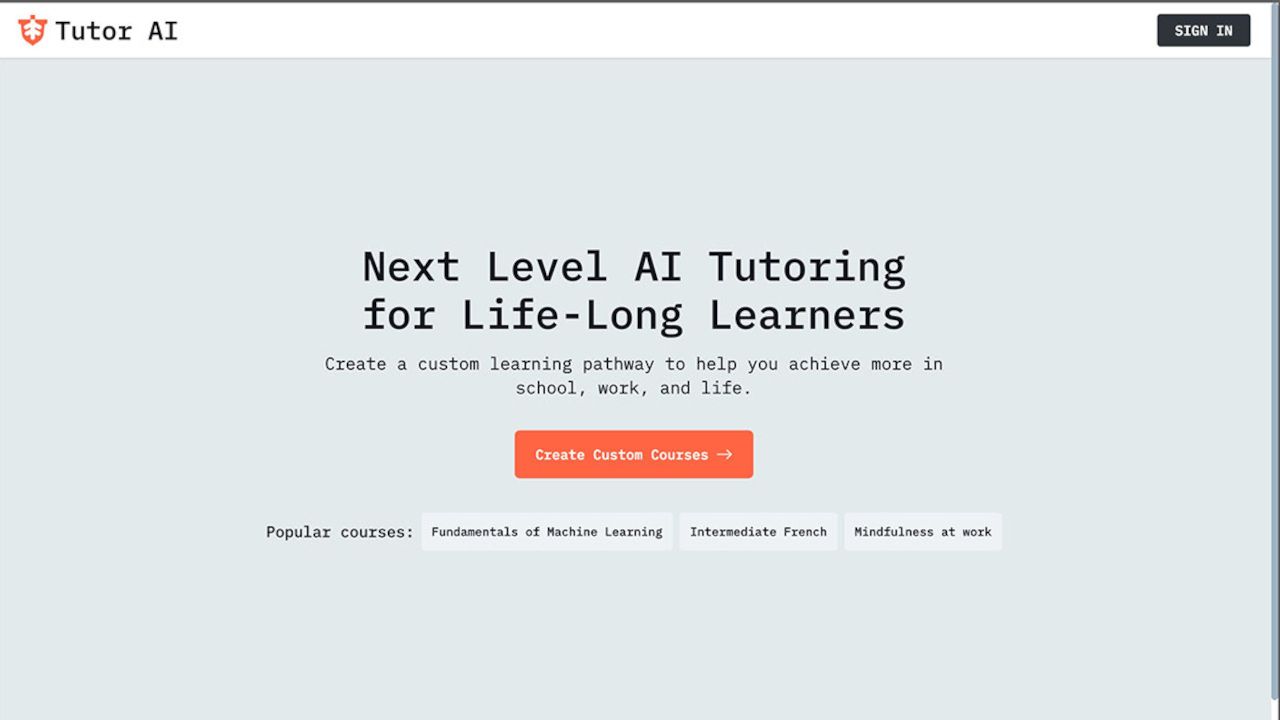
Tutor AI aims to do just that by turning topics and learning goals into personalized courses, complete with lessons, quizzes, and study materials.
This tool also offers homework support and tools for educators to create learning resources and track student progress.
Here’s what educators need to know about Tutor AI and how to use it in class.
What is Tutor AI?
Tutor AI is an AI-powered learning platform that creates courses around a learner’s interests, goals, and existing knowledge. It covers a broad range of subjects, from academic topics and languages to professional skills and personal development.
For teachers, the platform offers a way to create and adapt lessons without building every resource from scratch. Students can use AI-generated courses, quizzes, and study materials to explore topics independently, while a homework helper provides step-by-step explanations to help work through questions.
The idea is to make personalized learning easier to deliver, whether providing additional practice for students who need it or giving confident learners opportunities to explore a subject further.
How does Tutor AI work?
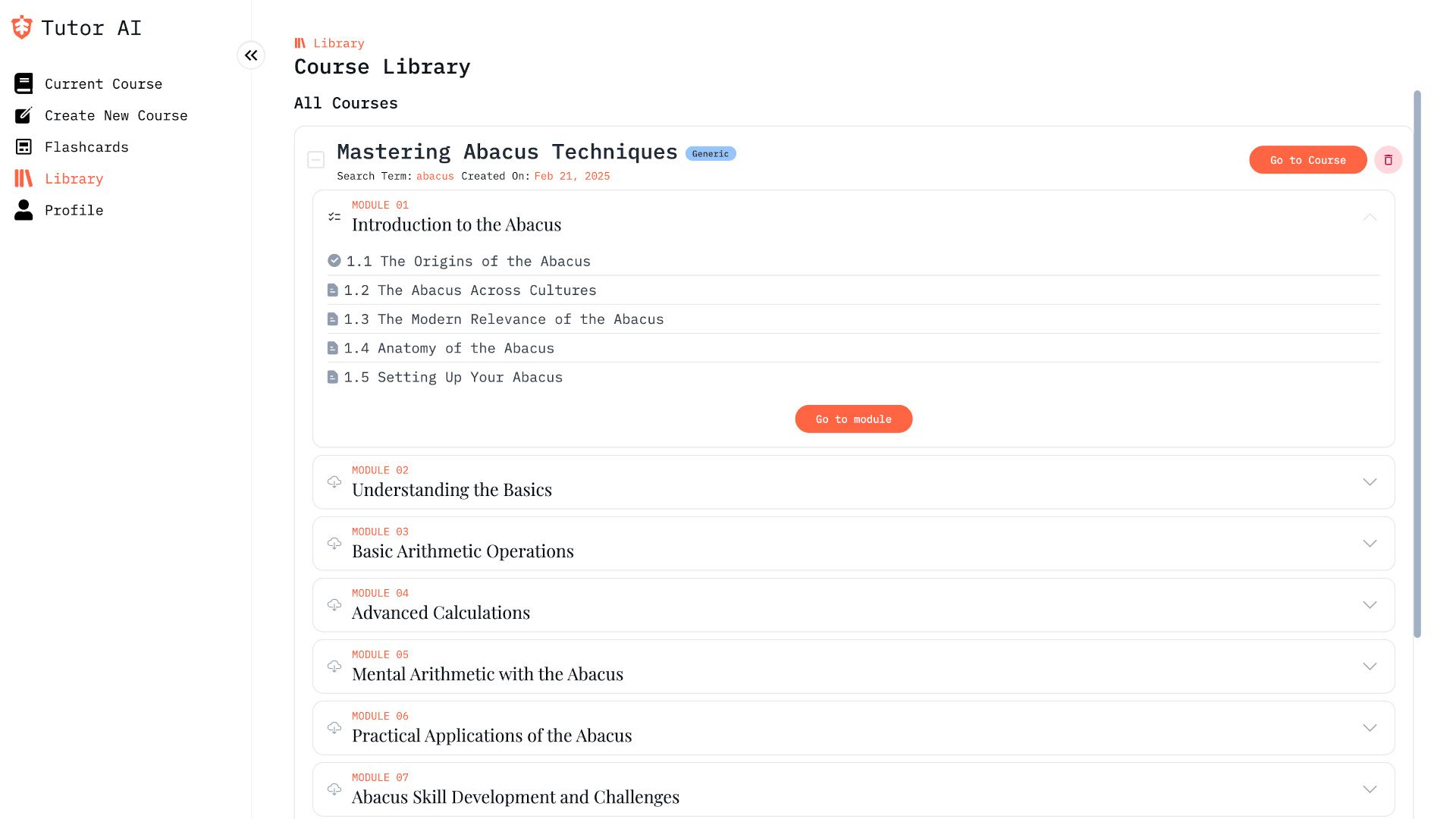
Start by choosing a topic you want to teach or learn. Tutor AI uses that input to generate a course containing lessons, quizzes, and supporting study materials. You can then work through the content at your own pace, rather than following a fixed sequence designed for an entire class.
Teachers can use the dedicated AI for Educators service to create lesson plans, generate assessments, and share AI-generated courses with students. Courses can be edited to suit teaching goals, and the platform provides a dashboard for tracking student progress.
An option to upload or select your own documents when creating a course is also available, allowing you to build learning materials around existing sources rather than relying entirely on AI-generated content.
What are the best Tutor AI features?
Personalized learning paths: Generate courses tailored to individual learning goals and knowledge levels. This can help teachers provide additional support or extension activities without creating every resource manually.
AI course creation: Build courses on a wide range of subjects in seconds, complete with lessons and supporting materials. Teachers can edit the generated content to better fit the curriculum.
Assessment generation: Create quizzes, tests, and homework to check understanding and give students opportunities to practice what they have learned.
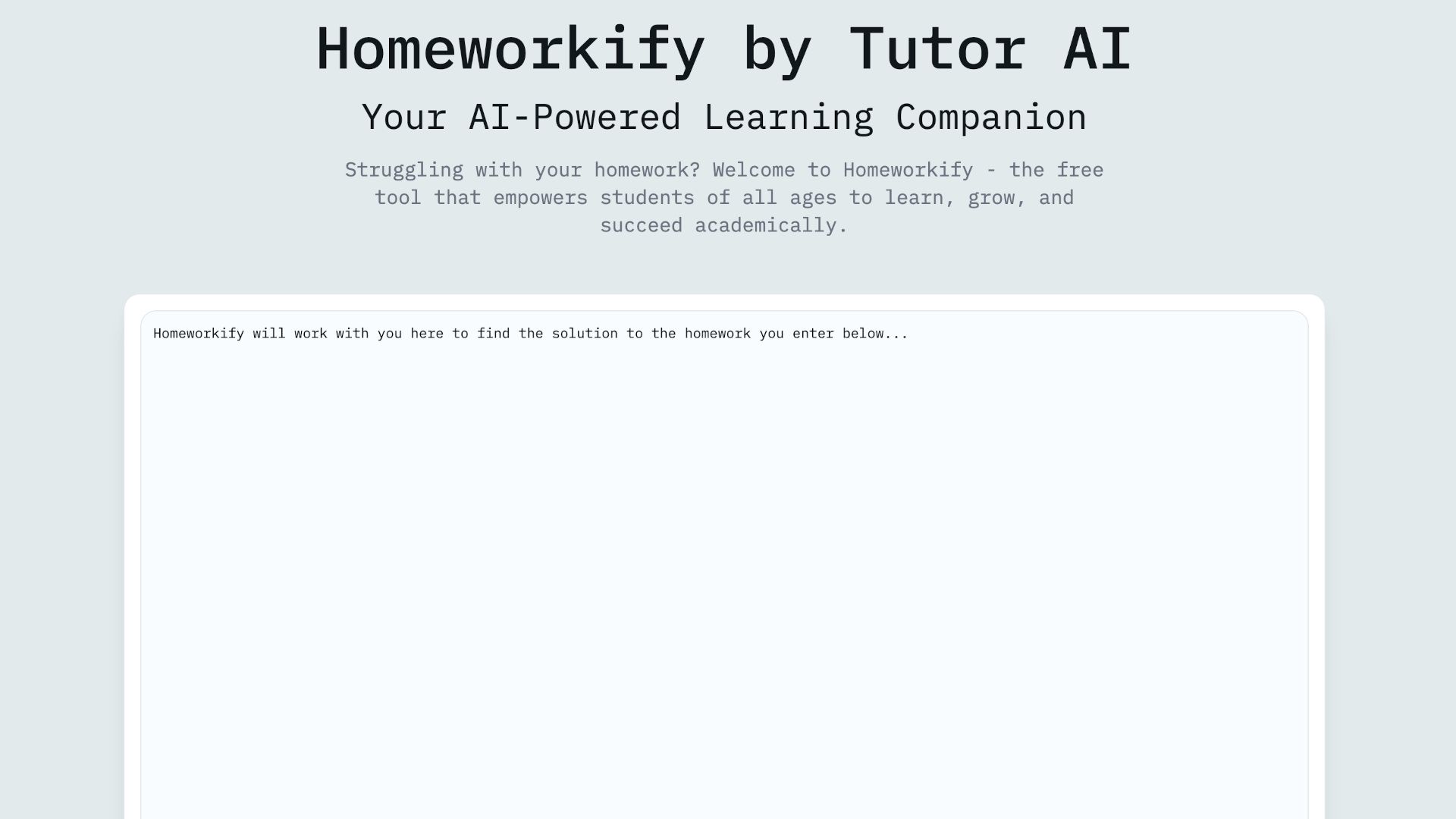
AI homework helper: Upload a homework question to receive a step-by-step explanation. This can help students work through unfamiliar concepts, although teachers should check key answers for accuracy.
Flashcards and progress tracking: Tutor AI offers flashcards and a spaced-repetition dashboard on its Genius plan. Educators can also use progress-tracking tools to see how students are getting on and identify areas that may need more attention.
How much does Tutor AI cost?
Tutor AI offers a free plan with no payment required, although support and access are limited. The platform offers two paid individual subscriptions:
Mentor: $13.33 per month when billed annually, including more than 100 personalized courses, unlimited chat interactions, and priority support.
Genius: $17.50 per month when billed annually, including more than 1,000 personalized courses, flashcards, and a spaced-repetition dashboard.
Annual billing can save up to 30%. Separate plans are available for educators and institutions.
Tutor AI Tips
- Start with a specific learning goal
Rather than asking for a broad course on science, try a focused topic such as the basics of cell biology. A clear starting point makes it easier to assess whether the generated material is useful. - Adapt courses to your curriculum
Use the AI-generated content as a starting point, then check terminology, learning objectives, and subject coverage against what your students need to know. - Use quizzes to check understanding
Generate short assessments after a lesson to identify gaps in knowledge before moving on to a more difficult topic. - Offer extra practice
Create supplementary courses for students who need more time with a concept, or extension material for those ready to move ahead. - Check AI-generated answers
AI tools can produce inaccurate information or misleading explanations. Review lessons and assessments before sharing any, and encourage students to question answers rather than accept anything automatically.
